Finance tools

See automated invoice scanning in action

Below is a simplified version of Rillion’s AI invoice scanning in action. Upload any invoice and extract vendor details, line items, and amounts instantly. The tool handles typed, handwritten, and scanned formats.

Upload an invoice below. Supports PDF, JPG, and PNG formats.


Scanning invoice...


Upload invoice

Drop your PDF or image here, or click to browse

Supports PDF, JPG, PNG

Or try a sample invoice:
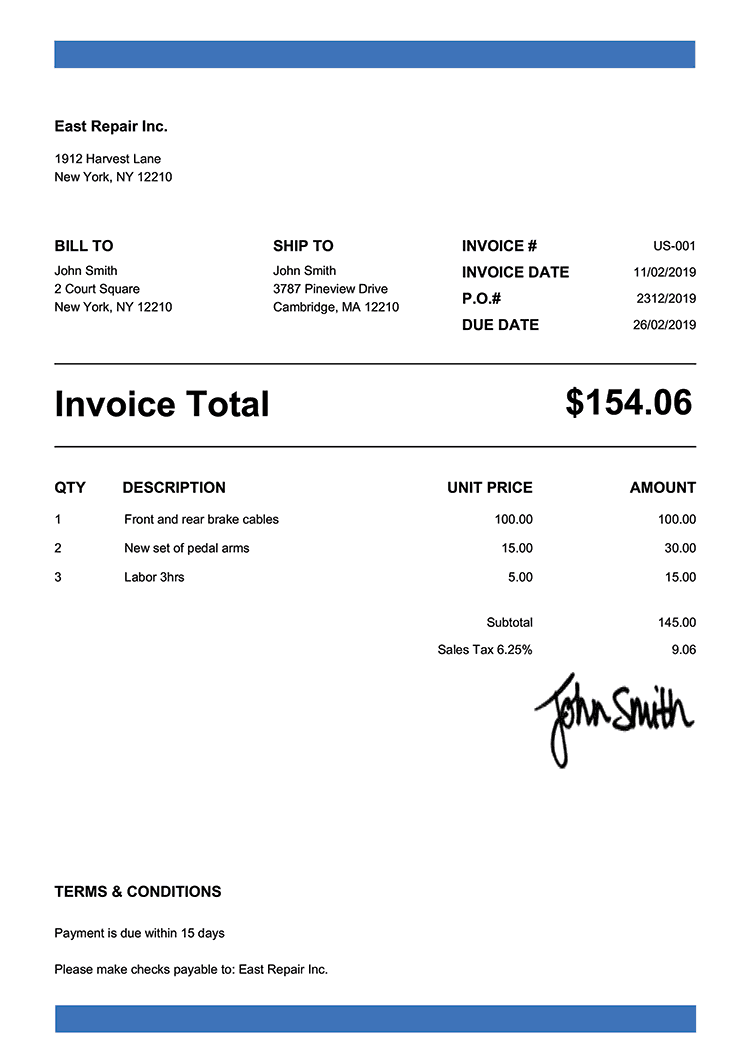
Professional invoice

Professional invoice

Typed, structured format
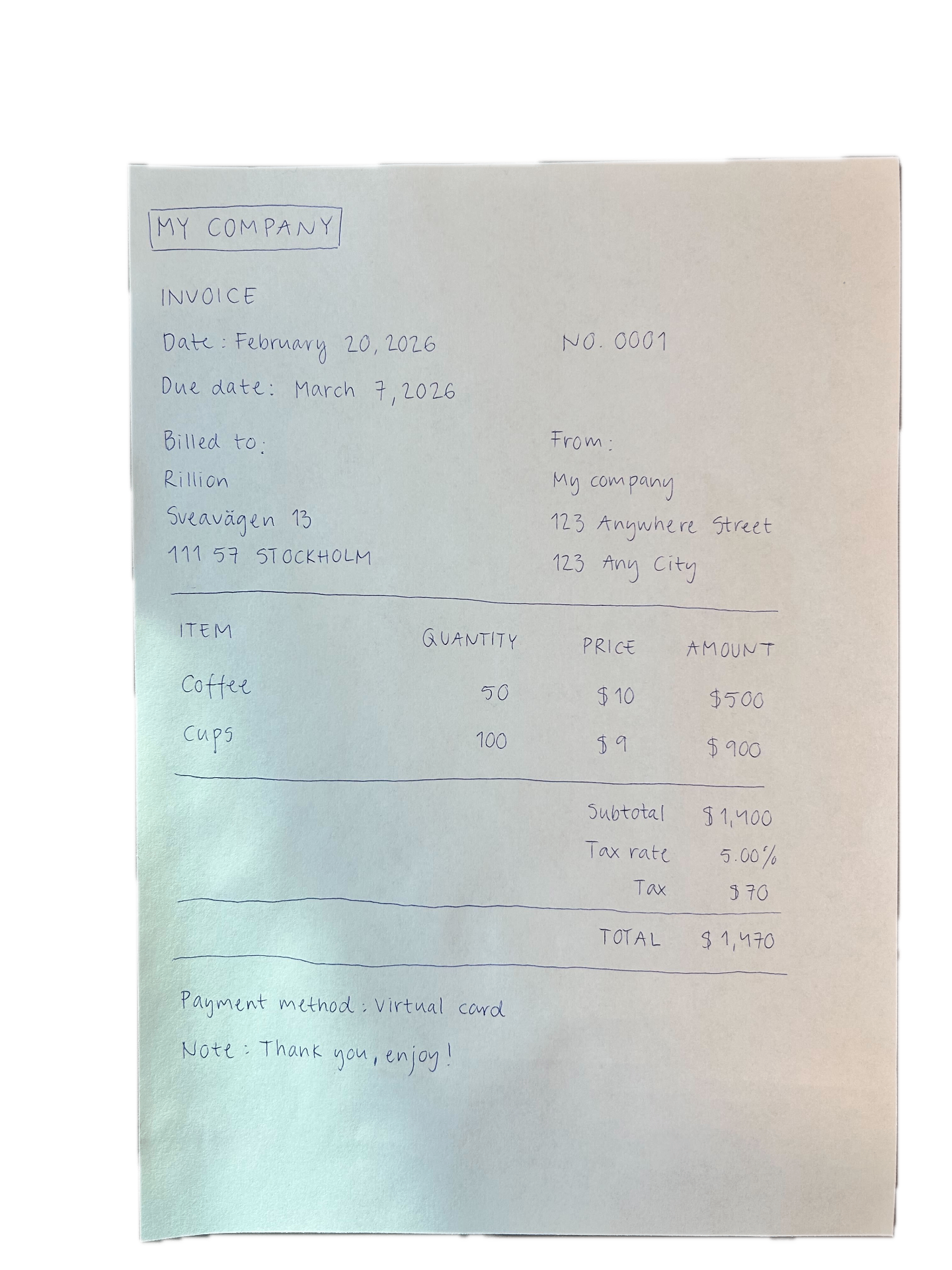
Handwritten invoice

Handwritten invoice

Hand-drawn, informal style

Invoice details


Line items

Description Qty Unit price Line total
Rillion_Gradient-CTA_lowres compressed

Want the complete solution?

Automate your entire AP Workflow with Rillion

This simplified tool demonstrates AI invoice extraction capabilities. The full platform handles high-volume processing, GL coding, PO matching, approvals, payments, and more.

AI invoice scanning vs traditional OCR software

Traditional OCR software

Reads invoices character by character. Requires templates, manual corrections, and struggles with poor-quality scans. Can't handle inconsistent invoice layouts.

AI-powered invoice scanning

Understands layouts, learns from your data, and adapts to any format automatically. Handles typed, handwritten, structured, or messy invoices. No templates needed.

How it works

Inside our AI invoice data extraction

Our software follows three steps to extract structured data from any invoice.

Upload your invoice

Drop in any PDF, JPG, or PNG. Our AI invoice parser reads all formats - professional invoices, receipts, even handwritten notes.

AI scans and extracts data

AI-powered data extraction analyzes every detail - vendor name, invoice number, dates, line items, totals. Adapts to any layout in seconds.

Get structured data instantly

Your invoice data is organized and ready to use. Export to CSV or process another invoice.

The next steps

Our full AP automation software handles this process automatically, prepping 100s of invoices in seconds, ready for approval workflows and 1-click payments.

Key benefits

Why finance teams choose Rillion’s automated invoice scanning

Rillion is a complete AI-powered AP automation platform, built to scan invoices, PO match, run approvals and pay with ease.

Built-in AI invoice capture

Rillion's automated invoice scanning is built directly into the platform. No separate invoice OCR software or integrations to pay for and maintain.

Line-level data extraction

We capture all line items, like descriptions, quantities, unit prices, and amounts. Not just header data. Our AI invoice data extraction handles complex invoices that basic invoice OCR tools miss.

AI-powered coding after extraction

After invoice scanning, Rillion automates GL coding, handles 3-way PO matching, and routes invoices through approval workflows — saving your team hours of manual work.

FAQs

Got questions?

What is automated invoice scanning?

Automated invoice scanning uses AI to extract data from invoices without manual entry. Upload PDFs, scans, or images, the AI pulls out vendor names, amounts, dates, and line items automatically.

How accurate is Rillion’s AI invoice data extraction?

Rillion captures invoice data with over 90% accuracy. Our AI learns from your invoices to improve over time, handling handwritten invoices and complex layouts.

Does this tool work with PDF invoices?

Yes. The tool works as both invoice data-extraction software and an AI invoice parser, processing PDFs, JPGs, and PNGs.

What's the difference between invoice OCR software and AI invoice extraction?

Traditional invoice OCR software scans character by character and needs templates. AI-powered invoice data extraction understands structure, learns patterns, and adapts to any format. No templates required.

Can I use Rillion's AI-native invoice OCR for my business?

Yes. This free tool demonstrates basic AI invoice extraction. Rillion's platform handles this at scale, plus automated coding, approval workflows, and ERP integration. Book a demo today to learn more.

What else can Rillion do for me?

Rillion automates your entire AP workflow, not just invoice reading.

Once data is captured, Rillion handles:

  • 3-way PO matching to verify invoices against purchase orders and goods received notes

  • Invoice approval routing with intelligent workflows, mobile approvals, and automated reminders

  • ERP integration with 50+ systems including Microsoft Dynamics, NetSuite, SAP, and Sage

  • AI-powered GL coding based on your historical data

  • Secure digital payments via virtual card through Rillion Pay

Learn how Rillion works.