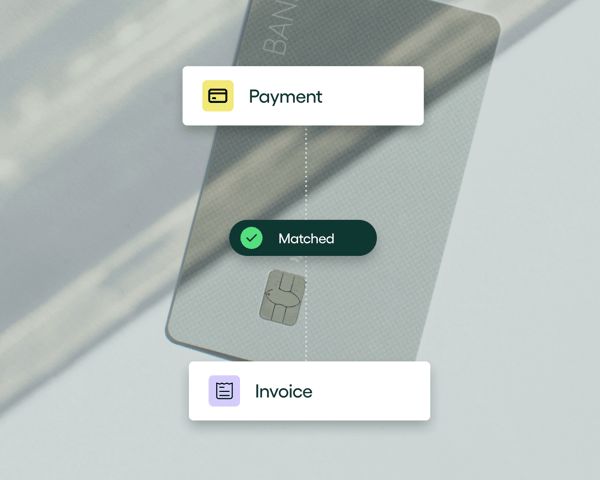

When teams look for ways to create or strengthen their invoice approval workflow, it’s usually because something in their existing process isn’t working as well as it should.
Maybe approvals stall when volumes spike. Maybe coding is inconsistent. Maybe visibility drops off the moment an invoice leaves AP’s hands. Best practices matter because they restore structure and predictability to a process that touches every corner of the business.
But today, your invoice approval workflow best practices need to accommodate a new reality. One where AI can streamline coding, reduce manual touches, and keep invoices moving — but only when it’s introduced with care and security.
In this article, we’ll cover:
- What an invoice approval workflow is
- Where traditional invoice approval processes break down
- Some invoice approval best practices modern finance teams rely on, and
- How AI-powered tools like Rillion make the entire workflow faster and easier to manage
What is an invoice approval workflow?
An invoice approval workflow is the set of steps an organization follows to review, code, route, and approve supplier invoices before they are posted to the ERP and prepared for payment. It creates a clear, predictable path for every invoice so finance teams can:
- Ensure invoice accuracy and legitimacy
- Prevent errors like mismatched details, duplicate payments, and incorrect charges
- Detect and prevent fraud or unauthorized transactions
- Maintain an audit trail of every action, approval, and decision
- Keep payments on schedule
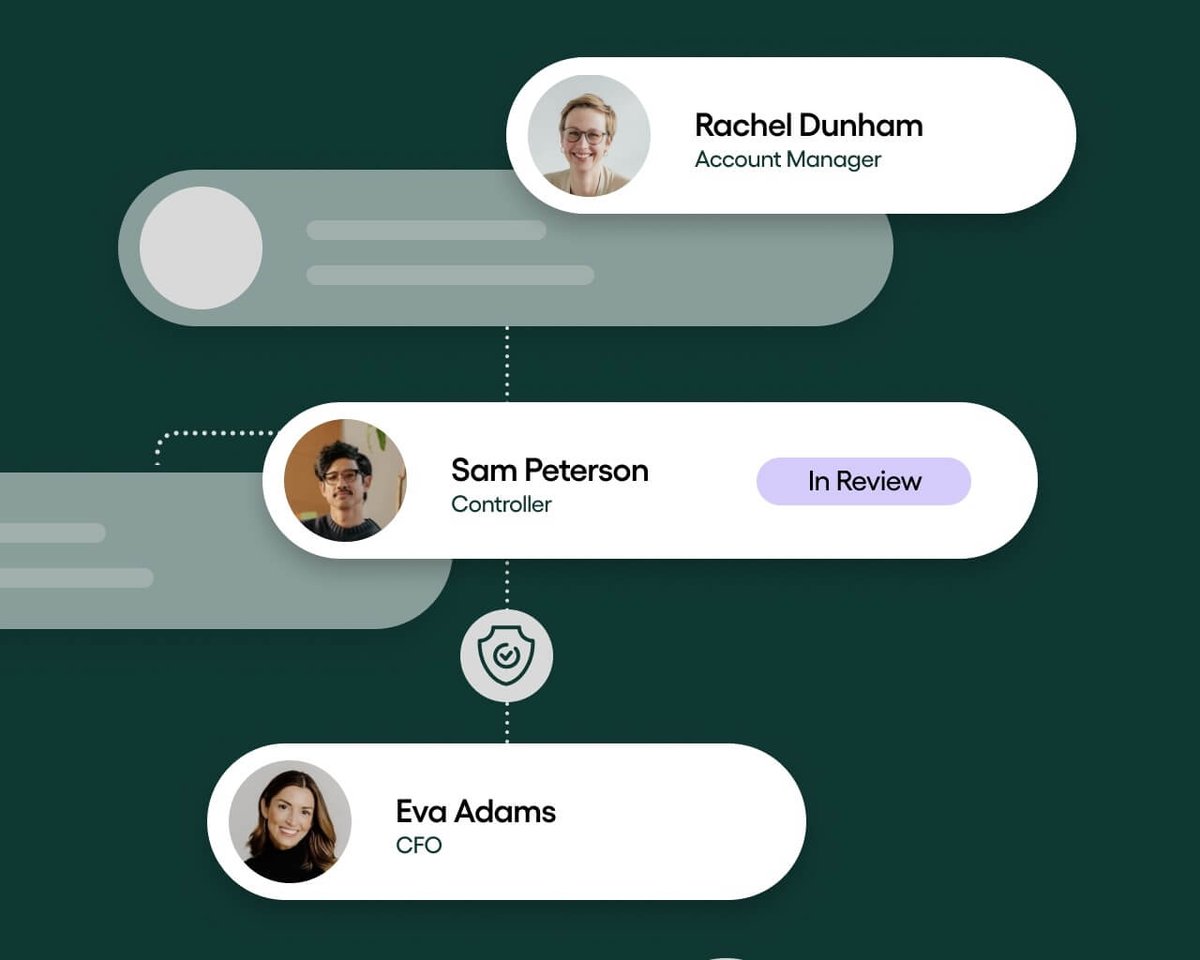
And this workflow doesn't sit with one person. It doesn’t even sit within one team. The moment an invoice enters the business, it extends beyond finance, touching AP, department managers, controllers, and sometimes the CFO before it ever reaches the ERP.
Here’s how each role plays their part:
- AP teams review incoming invoices, perform initial checks, code invoices, and monitor progress through the workflow
- Department managers confirm that the spend is legitimate, expected, and aligned with their department’s budget
- Financial Controllers ensure invoices meet accounting standards, internal controls, and policy requirements
- CFOs approve high-value invoices, oversee spending across the business, and keep an eye on cash flow implications
If someone in the approval workflow isn’t doing their part, even briefly, everything backs up. Which is why many finance teams use automation to help invoices move through the workflow quickly and securely.
But they aren’t having a go at building these automated workflows themselves, that would take too much effort and could compromise accuracy. Instead, they use AP automation platforms that standardize the process, apply rules the same way every time, and reinforce accuracy as invoices move through the workflow.
How an invoice approval workflow works
An approval workflow always follows the same general pattern, whether you manage it manually or with automation. The goal is to move an invoice from “received” to “ready for payment” with clarity at every step. Most teams follow a version of the stages below:
- Invoice capture
At this stage, the invoices enter the platform through email, file upload, EDI, or automated capture. The goal is to bring all incoming invoices into one location so AP can start processing them without having to search across inboxes or folders.
- Coding
The AP team assigns the correct general ledger (GL) accounts, cost centers, project codes, and other required details. Accurate coding ensures that invoices are properly classified for reporting and compliance, and it prevents issues later in the ERP. - Routing
After coding, each invoice is routed to the appropriate reviewers based on rules, roles, or spending thresholds. - Approvals
Approvers review invoice details, confirm the spend, and approve or reject them. Depending on the organization’s policies, approvals can be single-step or multi-step and may involve department managers, controllers, and senior leaders. - Exception handling
If anything is missing or incorrect on an invoice, it will move into the exceptions stage. Here, discrepancies, mismatches, and incomplete fields are resolved before the invoice continues through the workflow. - Posting to the ERP
Fully approved invoices are then transferred to the organization’s enterprise resource planning system (ERP) with the correct coding and details. This ensures financial records stay accurate and up to date. - Payment readiness
Approved invoices enter the payables queue, where they become eligible for scheduling and payment.
If you’ve ever managed approvals manually, you know the workflow isn’t hard to understand, it’s hard to keep consistent. Each step depends on timely handoffs and clear communication, and that’s where the process can start to drift.
Where traditional invoice approval workflows break down
Traditional invoice approval workflows tend to fail in the same predictable places, especially when the process depends on email, spreadsheets, and manual handoffs. As the volume of work increases, these weak points become harder to ignore.
Here are some common areas where traditional invoice approval workflows break down:
- Stalled or lost invoices in email chains. Invoices sit in individual inboxes, get buried under other messages, or never reach the right person.
- Email-based approvals. Approvers reply inconsistently and often miss messages, and there’s no reliable audit trail showing who approved what and when.
- Manual coding errors. Incorrect GL accounts or missing cost centers slow down processing and force AP teams to rework invoices.
- Limited visibility. Without a single source of truth, finance teams cannot easily see which invoices are pending, who is holding them, or what is at risk of becoming overdue.
- Department head bottlenecks. Approvals stall when managers are unavailable, traveling, or simply overwhelmed, which holds up the month-end close and vendor payments.
- Multi-entity complications. Different approval rules, charts of accounts, and distributed approvers make it hard to maintain consistent workflows in organizations with multiple branches/locations.
- Weak internal controls. Paper- and email-based processes make it harder to enforce approval rules, maintain a clear audit trail, and keep documentation up to date.
Automation has solved many of the pain points in manual workflows, but it only goes as far as the rules it’s given. AI works with automation to expand what’s possible.
How AI is changing the invoice approval process
AI has started to change parts of the approval process that rules-based automation couldn’t fully improve. We’ve seen the impact firsthand, which is why we built AI into Rillion, our AP automation software, where it makes the workflow faster and more consistent.
Here are a few areas where AI is making the biggest difference:
Better and more accurate invoice capture
Instead of AP teams keying in invoice details by hand, AI tools automatically extract data from both scanned and electronic invoices.
For example, Rillion captures details like supplier name, invoice number, dates, amounts, line items, and tax details with over 97% accuracy. This eliminates the need for manual entry and reduces the chance of typos or missing information.
Smarter GL coding suggestions
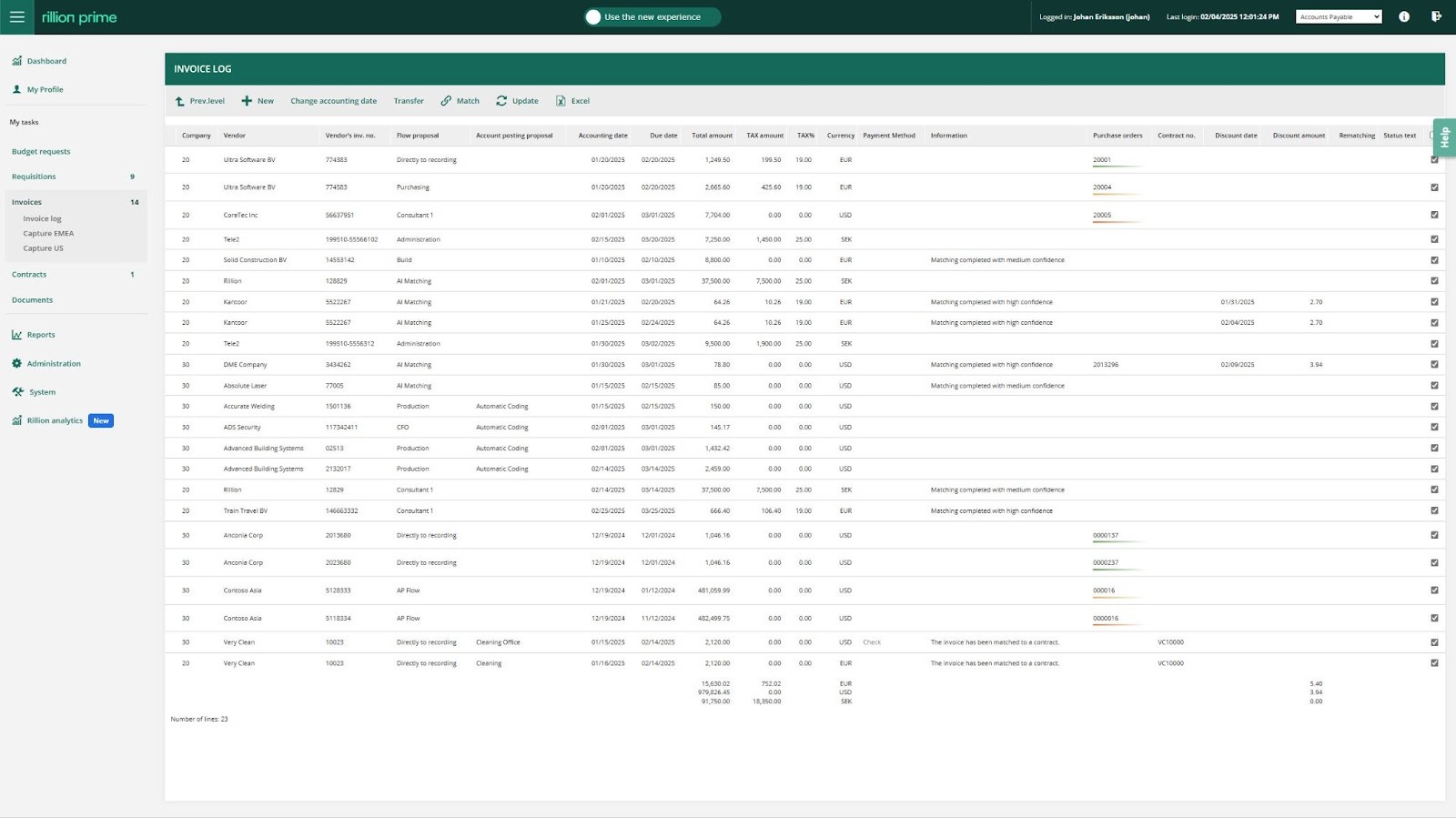
AI can analyze historical coding patterns and automatically suggest GL accounts, cost centers, and project codes for invoices.
Rillion’s AI, for example, can suggest codes with up to 90% accuracy. It learns from prior invoices and becomes more accurate over time, which reduces manual coding and maintains consistency across departments and entities.

Intelligent approval routing
AI also improves routing. Rather than having someone manually decide who should approve an invoice, AI-driven platforms like Rillion combine preset business rules with machine learning to direct invoices to the right approver automatically.
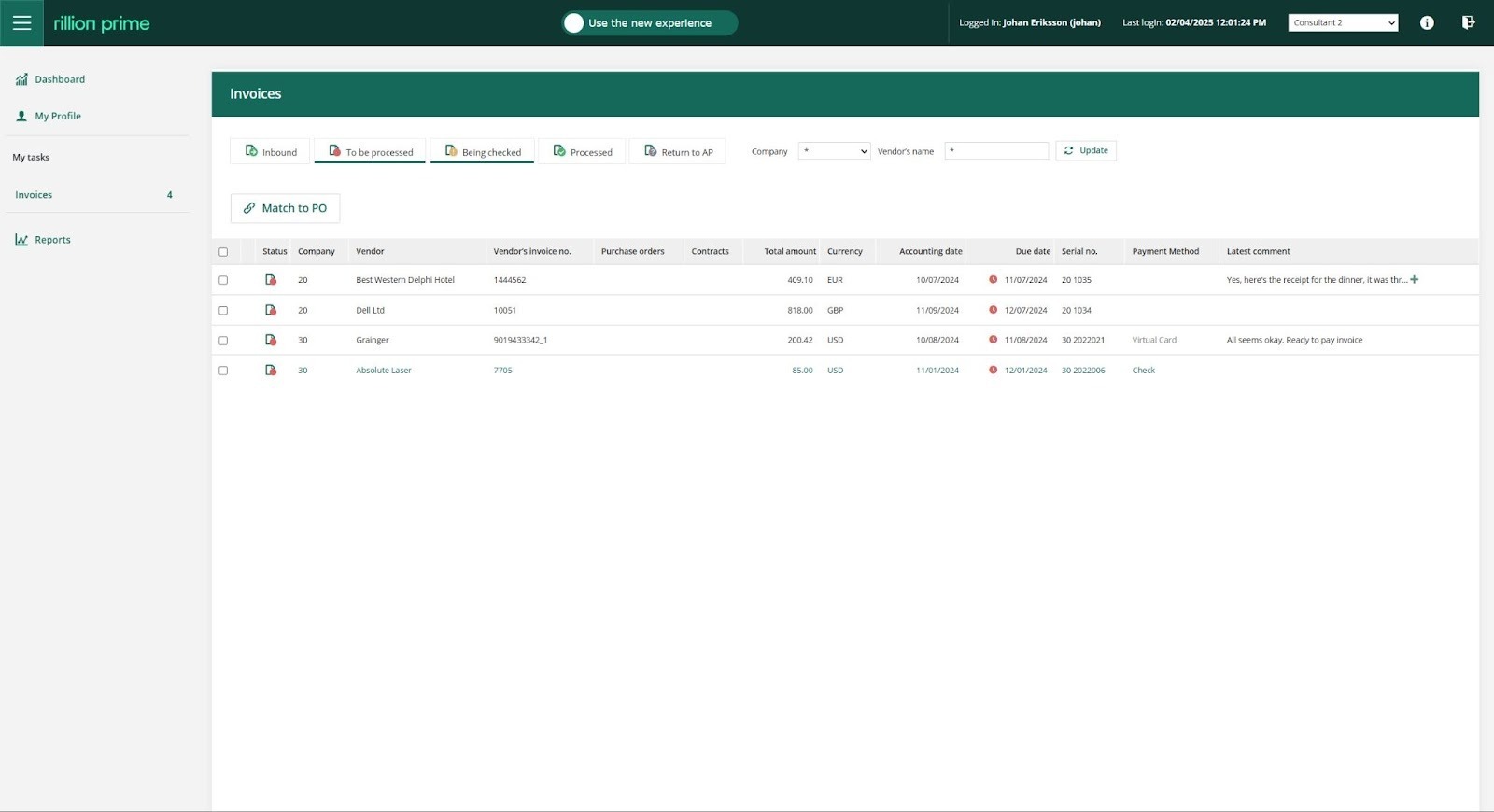
Rillion also sends reminders when approvals are overdue, which helps prevent payment delays.
Faster exception identification
AI can quickly flag unusual amounts, missing information, or mismatches. This reduces back-and-forth and helps AP teams resolve issues before an invoice is posted to the ERP.
AI assistants for quicker answers
Some platforms now include built-in AI assistants that help AP teams find information faster. For example, Riley, Rillion’s AI assistant, can answer questions about invoices and vendors, provide details about invoice status, and help users perform tasks within the Rillion system.
By handling routine questions and guiding users, Riley allows finance teams to focus on higher-value, strategic work instead of repetitive admin tasks and internal queries.
9 invoice approval best practices for today’s AI-enabled environment
Balancing your invoice approval workflow with intelligent automation doesn’t happen by accident. It takes conscious effort to keep data clean, reduce manual interference, and maintain the consistency that makes automation and AI actually effective.
Here are the best practices you can implement to reduce time spent moving invoices from capture to payment:
1. Standardize and document your workflows.
Define each step of your approval process and document who is responsible for what. This reduces confusion, prevents ad-hoc decision-making, and helps new team members get up to speed quickly.
AI can reinforce these standards by applying the same rules every time an invoice enters the system.
2. Use role-based routing and threshold logic.
Routing should be tied to roles, spend limits, and department requirements, not individual preferences. This keeps the process consistent even when people leave or change roles.
AI-powered tools enhance this by learning who typically approves specific types of invoices and automatically recommending the right approvers.
3. Establish clear coding rules and approval matrices.
Setting clear rules for GL accounts, cost centers, project codes, and approval thresholds reduces errors and helps maintain accurate financial records. When you specify these rules, AI can pick up on them more quickly and accurately suggest the correct codes for each invoice.
4. Leverage AI for coding, routing, and exception prediction.
AI is most helpful when it handles repetitive work for the AP team. It can suggest codes based on past invoices, route invoices to the right approvers, and flag unusual invoice amounts or missing information. This helps AP teams focus on more strategic tasks instead of troubleshooting routine issues.
5. Automate reminders and escalation paths.
Approvers may not review an invoice the moment it reaches them. Sending automatic reminders helps keep invoices visible, so approvers don’t forget them in a crowded inbox.
If an invoice becomes overdue despite the reminders, AI can escalate it by routing it to a backup approver or a supervisor. This keeps the process moving without AP teams having to manually follow up.
6. Enable mobile and on-the-go approvals.
Managers and department leads should be able to review invoices while traveling, commuting to work, or juggling other responsibilities. Mobile approvals make it easy to review and sign off on invoices from any device, which prevents delays and end-of-month backlogs.
7. Ensure centralized visibility and full audit trails.
AI-powered invoice approval platforms like Rillion provide a single source of truth that helps AP teams and finance leaders see where each invoice stands and what may need attention. They also provide clear audit trails that make it easier to verify approvals and provide the correct documentation during audits.
8. Build workflows that support multi-entity complexity.
Organizations with multiple entities may have separate coding rules, approvers, and charts of accounts. A flexible approval workflow should accommodate these differences without forcing each entity into a single structure.
Shared visibility across entities helps controllers and CFOs manage spend, cash flow, and compliance across the entire organization more effectively.
9. Integrate tightly with the ERP to avoid double entry.
Your invoice approval system should integrate deeply with your ERP so that approved invoices automatically flow in with the correct codes, amounts, and supporting details. This prevents duplicate entries and reduces the risk of errors.
How to guarantee these best practices in the real world
Knowing the right best practices is one thing. Getting all stakeholders to apply them is something entirely different. Many organizations try to maintain a consistent invoice approval workflow, but it becomes difficult when the process depends on people remembering steps or managing tasks through email and spreadsheets.
Some teams turn to basic AP tools for structure, but older or rigid systems can only support simple approval paths. As soon as you add multiple entities, multiple approvers, or different departmental rules, the workflow becomes harder to maintain.
To guarantee the best practices outlined above, you need an AP automation platform that can:
- automate repetitive steps, so your team can focus on strategic tasks like negotiating
- payment terms and managing vendor relationships
- enforce coding, routing, and approval rules automatically
- reduce decision-making effort by recommending next steps
- learn from past patterns through AI, so accuracy improves with use
Rillion can do all of this. Our platform operationalizes best practices through automation, AI, flexible workflows, and deep ERP integrations, which makes the approval process more predictable, accurate, and scalable.
With Rillion, teams experience what a modern workflow should feel like:
- Approvals move through the business more quickly because the right people receive invoices automatically
- Exceptions are flagged and resolved earlier, which reduces end-of-month pressure
- Visibility increases because every invoice follows the same structured path, and
- Internal controls strengthen since approval rules are built into the workflow itself
Read: 8 best AI accounts payable automation software – AI-powered AP software
How Rillion delivers a modern, AI-powered invoice approval workflow
Rillion gives organizations an end-to-end AP automation platform that uses AI to capture, validate, route, approve, and pay invoices. This approach reduces errors, speeds up processing times, and provides greater financial control and visibility into the AP process.
Here’s how Rillion works:
Automated data capture
Rillion captures data from invoices using advanced AI, regardless of format (paper, PDF, XML, etc.). It extracts details such as supplier information, amounts, dates, line items, and tax values with over 90% accuracy, eliminating manual data entry, saving time, and reducing errors.
Intelligent validation and matching
Rillion automatically compares invoices with purchase orders (POs), contracts, and/or goods receipts to confirm that quantities, prices, and terms match. This is known as three-way PO matching.

If there’s a mismatch, the system flags it and routes the invoice to the right person for review. This helps teams catch discrepancies early and stay compliant.
AI-powered coding and routing
Rillion AI learns from historical data to suggest GL accounts, cost centers, and project codes with ~90% accuracy. It also predicts and routes invoices to the right approvers based on past patterns and pre-set business rules, eliminating manual routing and potential bottlenecks.
Streamlined approval workflows
Rillion automatically sends invoices to the correct approvers, who can review and approve them from any device (desktop, tablet, or smartphone) with a single click.
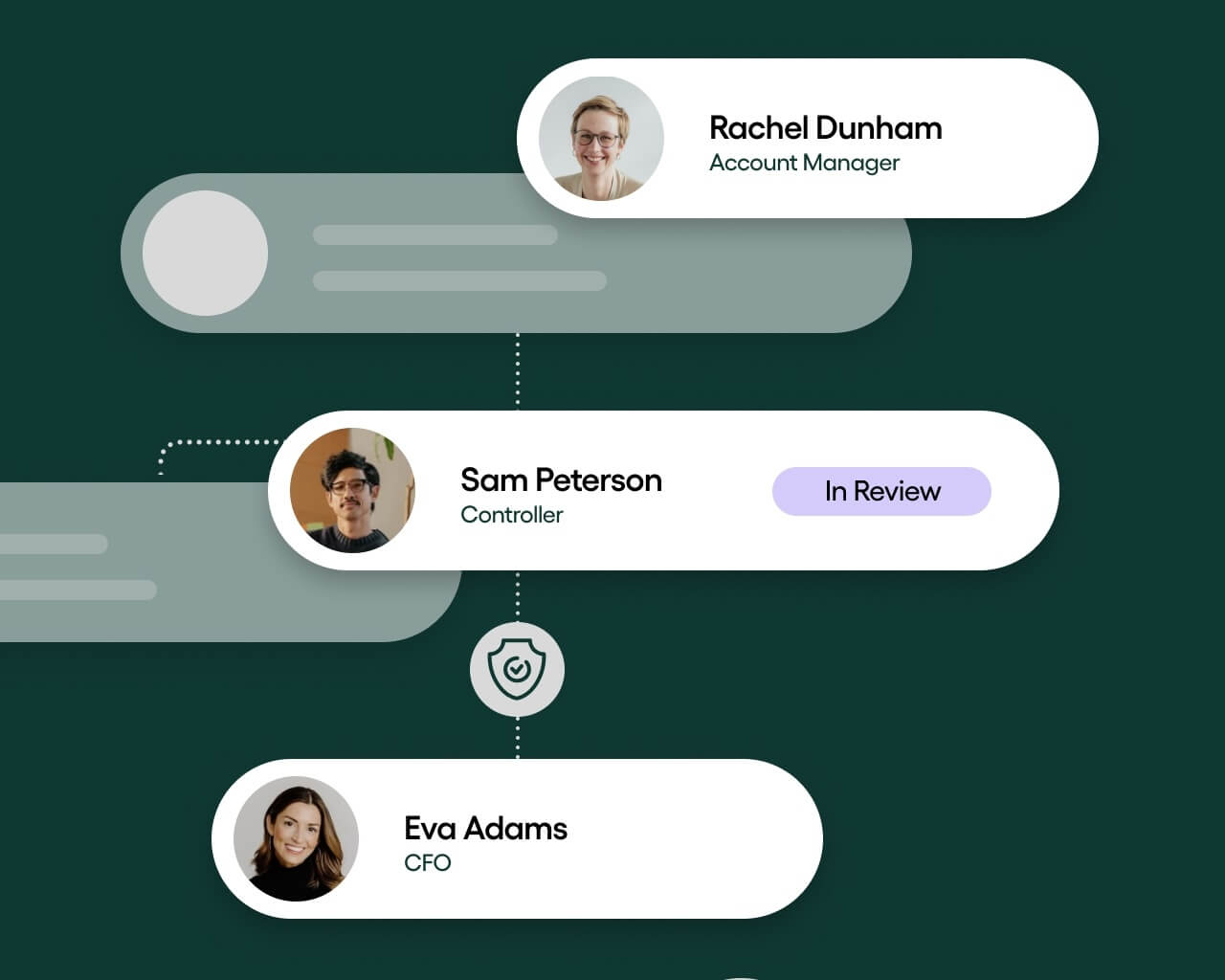
The system also sends automatic reminders when approvals are pending, which keeps the process moving and reduces the risk of late payments.
Payment processing and reconciliation
Once an invoice is approved, Rillion automatically posts it to your ERP or accounting system for payment.
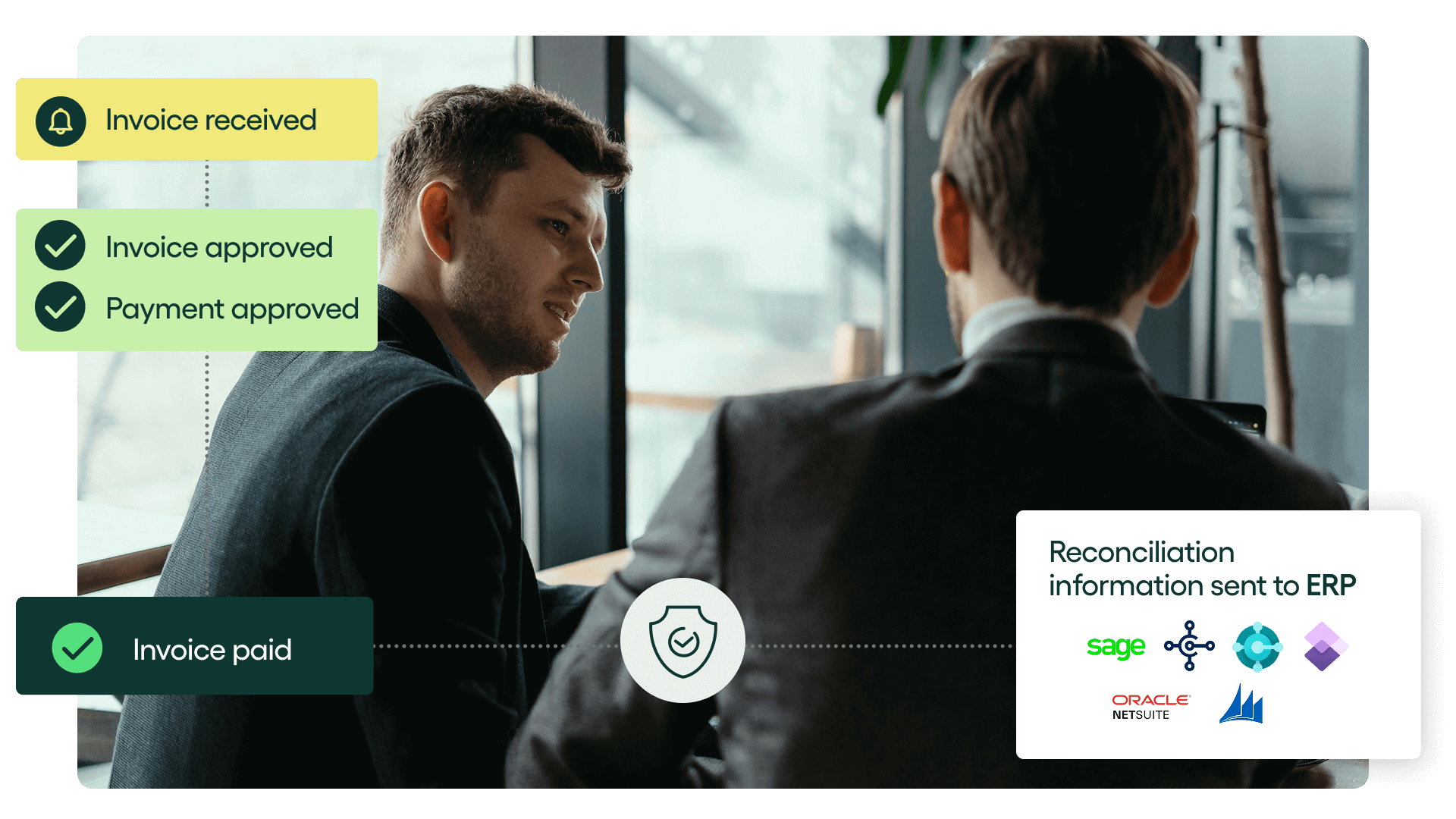
However, we have an integrated payment platform called Rillion Pay that can handle secure vendor payments. It provides flexible payment methods, including virtual cards, ACH, and wire transfers, so you can pay vendors with their preferred method and reconcile payments automatically.
Multi-entity support with centralized visibility
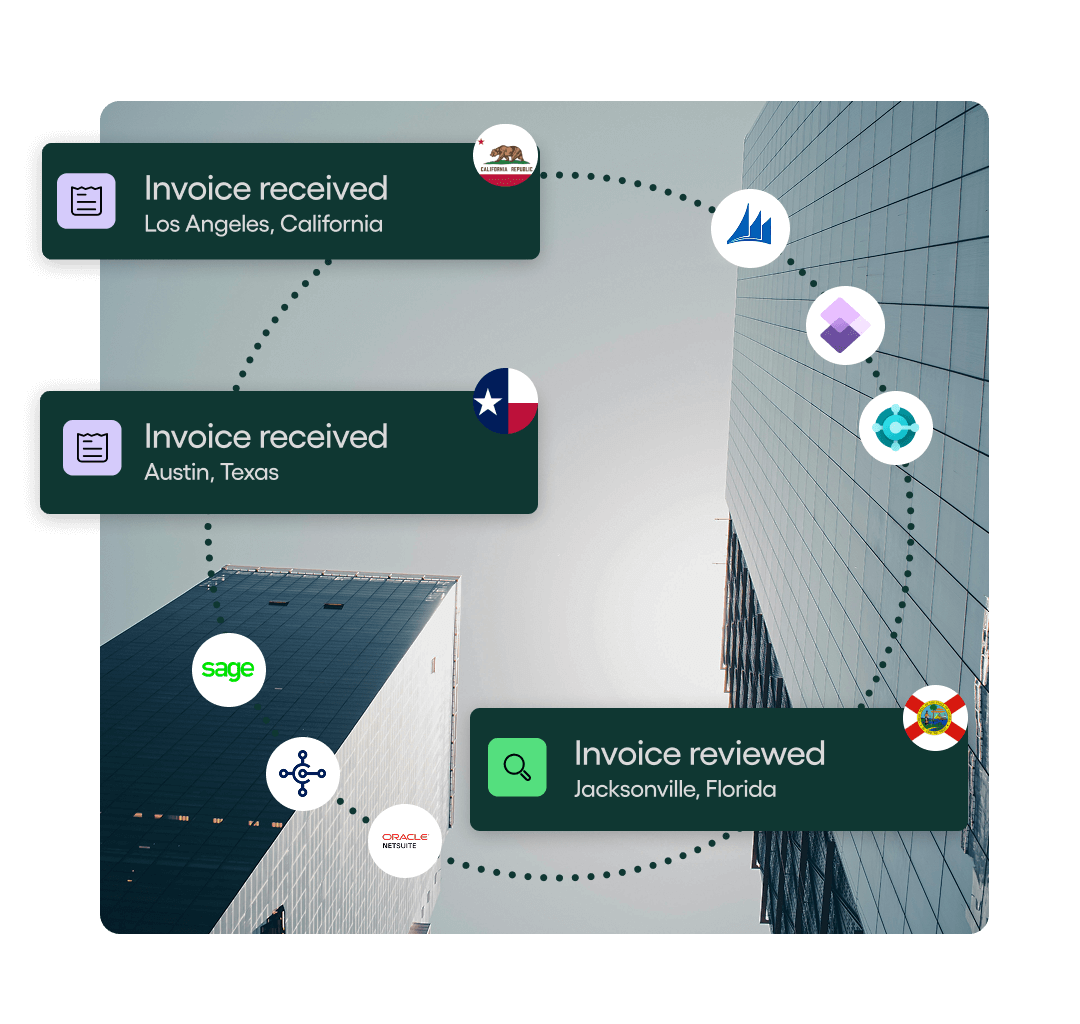
Rillion can manage accounts payable for multiple legal entities, business units, and countries within a single platform. You can maintain specific workflows and compliance for each entity, and still get a centralized view of all AP operations across the entire organization.
Riley, the AI assistant
Rillion has an AI assistant called Riley that helps AP teams find information faster. It can locate invoices, answer questions about suppliers or workflows, and provide instant status updates. This reduces internal back-and-forth and helps teams stay productive.
Learn more about Riley and how it works:
Reporting and analytics
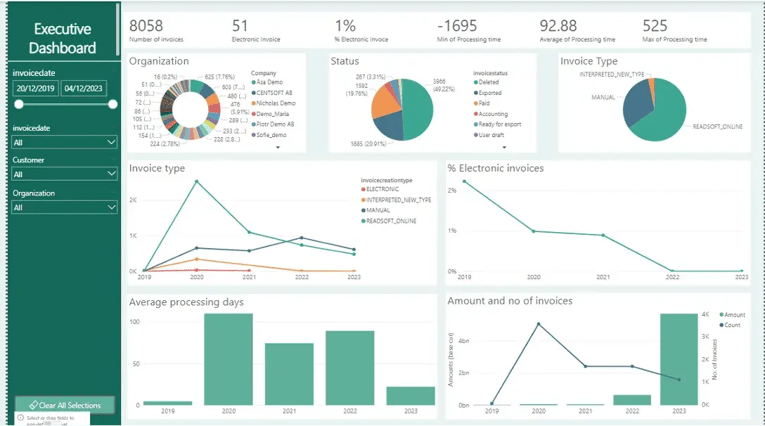
Rillion maintains a complete, time-stamped audit trail of all actions and stores them in a secure, searchable archive. This makes it easier for AP teams to conduct audits and compliance checks.
Our platform also features real-time dashboards that provide insights into AP performance and help finance leaders identify bottlenecks and areas for improvement.
Seamless ERP integration
Rillion integrates securely with more than 50 ERP and accounting systems, including Microsoft Dynamics 365, SAP, and NetSuite. This way, invoice data flows directly into your ERP without manual entry.
Modernize your invoice approval workflow with Rillion
An efficient invoice approval workflow ensures faster approvals, fewer errors, and better control over spend. However, standardizing that workflow across departments and entities requires an AI-powered AP automation platform, like Rillion.
Rillion automatically captures invoices, suggests accurate coding, routes approvals, flags exceptions early, and provides full visibility across every entity. With AI and flexible workflows, your team can handle higher invoice volumes, improve accuracy, and close the month with less stress.
If you’re ready to speed up approvals and simplify your AP process, book a demo with Rillion today.
Invoice approval workflow | FAQs
1. What is an invoice approval workflow?
An invoice approval workflow is the process a company uses to review, code, route, and approve supplier invoices before they are posted to the ERP and scheduled for payment. A structured workflow prevents payment delays, reduces errors, and gives finance teams a clear view of what is pending, approved, or overdue.
2. How can companies speed up invoice approval?
Companies can speed up approvals by using an AI-powered AP automation platform, ike Rillion. This platform automatically captures invoices, matches them to POs and goods receipts, routes them to the right people, and sends reminders when approvals are pending.
Mobile approvals and centralized visibility also help teams act faster, even when they are away from their desks.
3. What are the benefits of automating invoice approvals?
Automation reduces manual work, improves accuracy, and keeps invoices moving without constant follow-up from AP teams. An automated invoice approval workflow speeds up approvals, and ensures that exceptions are resolved quickly and vendors are paid on time.
Automation also scales easily, which is great for fast-growing organizations.
4. How do I create an invoice approval workflow?
Start by documenting your current process and identifying where delays or inconsistencies occur. Then, define your coding rules, approval thresholds, and escalation paths.
From there, use an AP automation platform (such as Rillion) to automatically capture invoices, apply rules consistently, route approvals to the right people, and create audit trails.