Automated invoice capture & extraction

Go hands-free with AI-powered invoice capture software

Eliminate manual invoice data entry once and for all. Rillion captures and organizes your invoices instantly, letting your team focus on analysis, decision-making, and keeping payments on schedule.
1_1_Invoice capture_Featured_NEW_1080x1080

Trusted by finance leaders at 3,000+ mid-sized and large companies

about_value_Logo_152x36
Cypress_Creek_Logo__152x36
TACLA_Logo__152x36
renta_Logo_152x36
USFarathane_Logo__152x36
SMILES_FIRST_Logo_152x36
HARTELA_Logo__152x36
Curio_152x36
USFarathane_Logo_500x250
Fb_solution_152x36
Tingue_152x36
Paulas_choice_152x36
Patrick_lumb_152x36
Together_Womens_Health_152x36

Key benefits

Why AP teams love Rillion’s invoice capture software

Zero manual data entry

Leave manual invoice data entry behind to save time and reduce human errors.

Flawless accuracy

Rillion captures invoice data with >90% accuracy rates for all formats.

No additional costs

Rillion offers fully automated invoice capture, removing the need for additional OCR services.

Features

Handle large invoice volumes effortlessly with Rillion’s invoice capture software

Advanced OCR scan

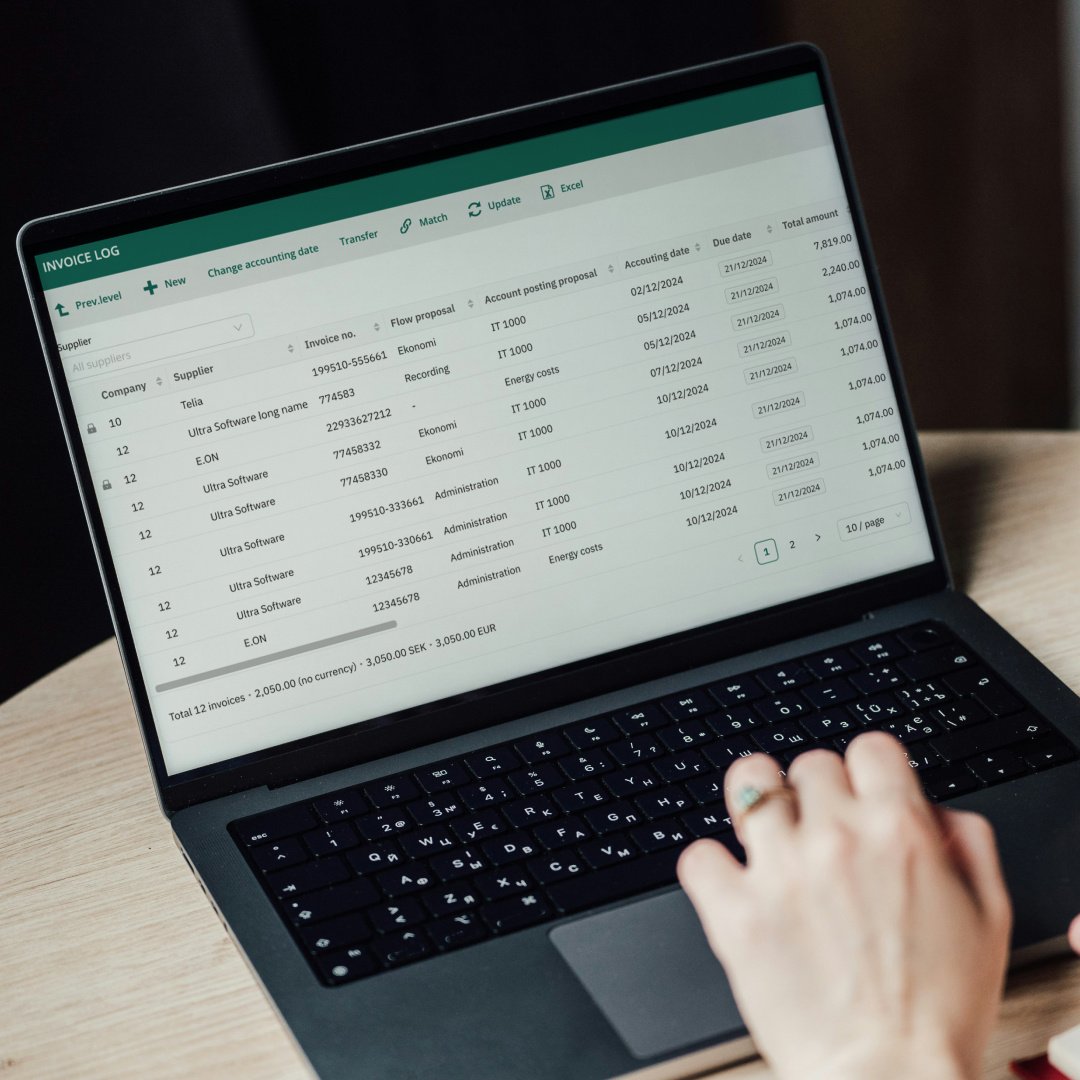
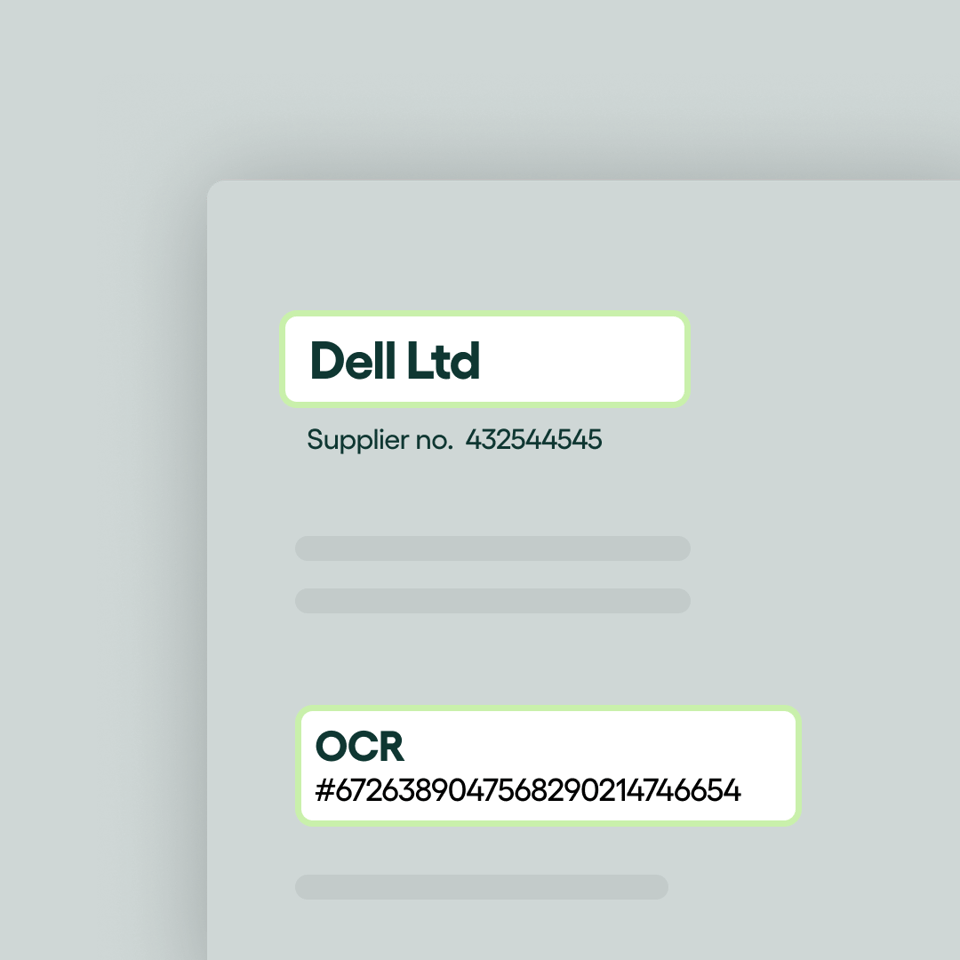
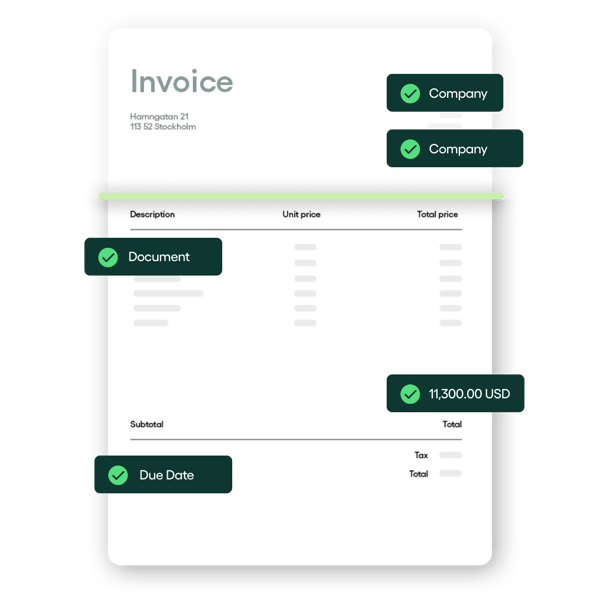
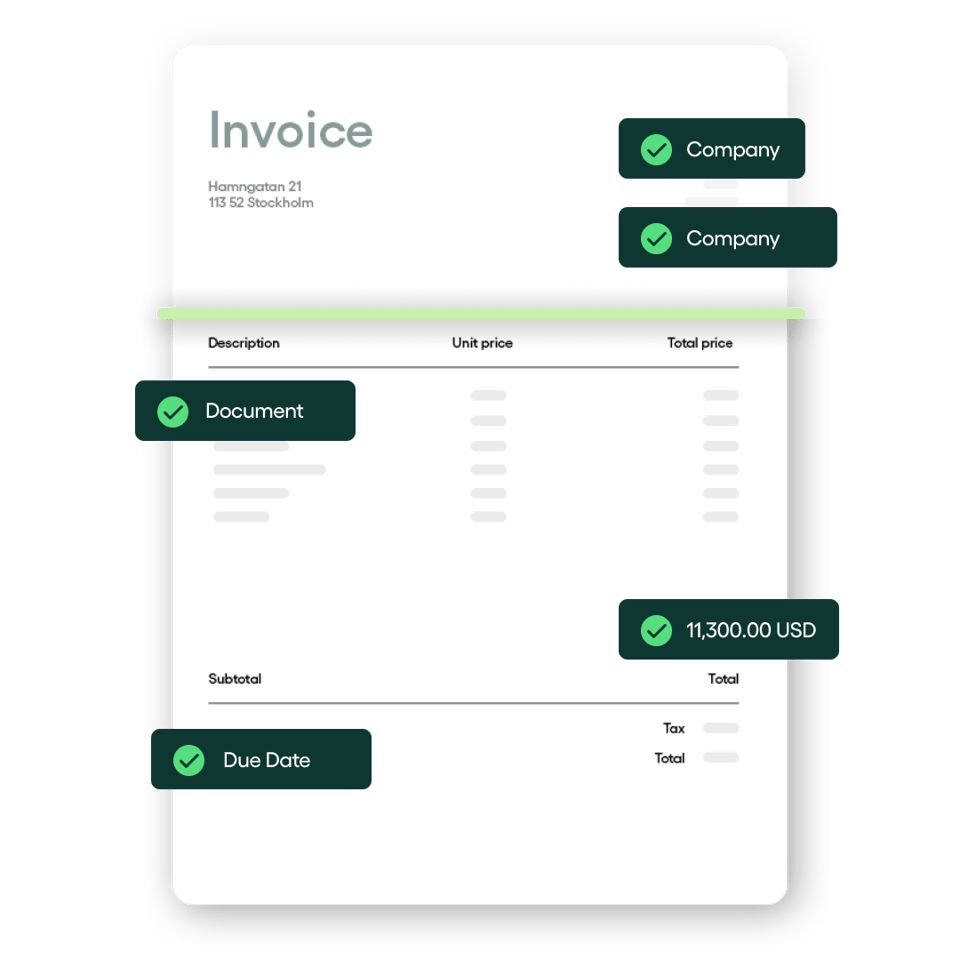
Rillion’s invoice scanning software captures invoice data instantly from any format, paper, PDF, or digital. Our AI and OCR technologies extract every key detail with exceptional accuracy, eliminating manual entry.
1_1_Invoice capture_Featured_2_1080x1080
E-invoicing

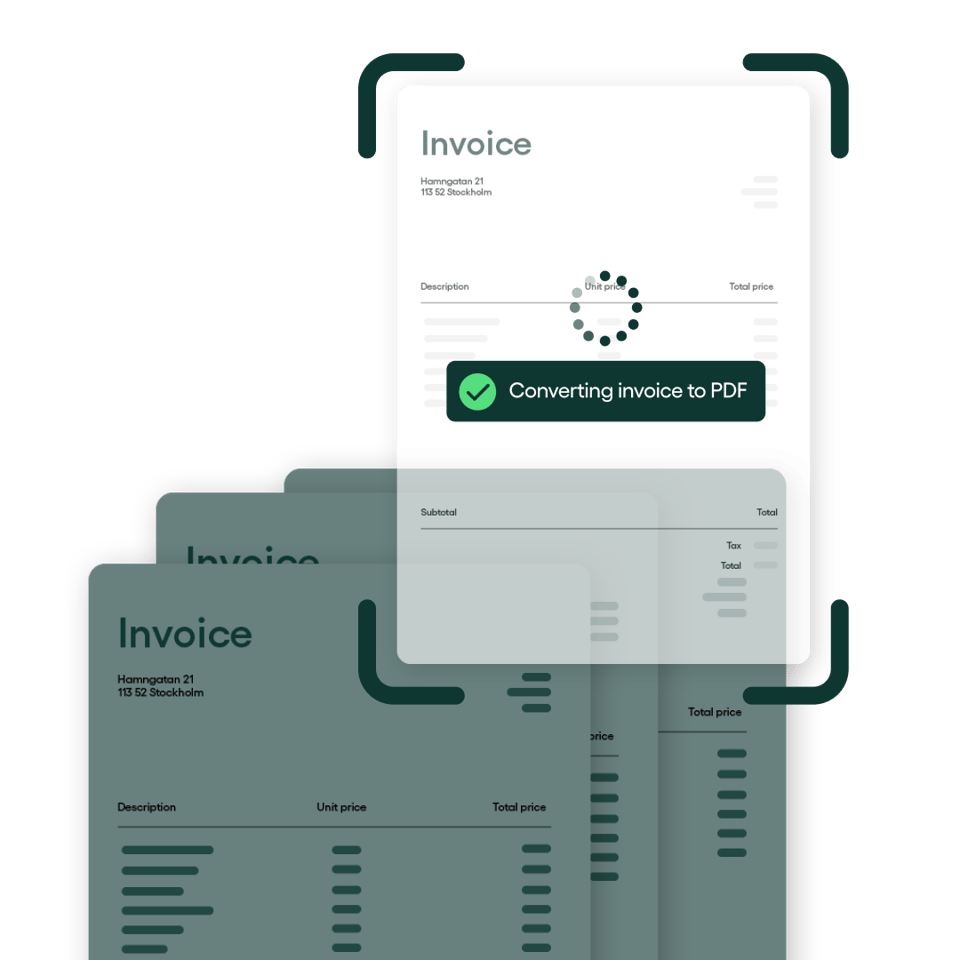
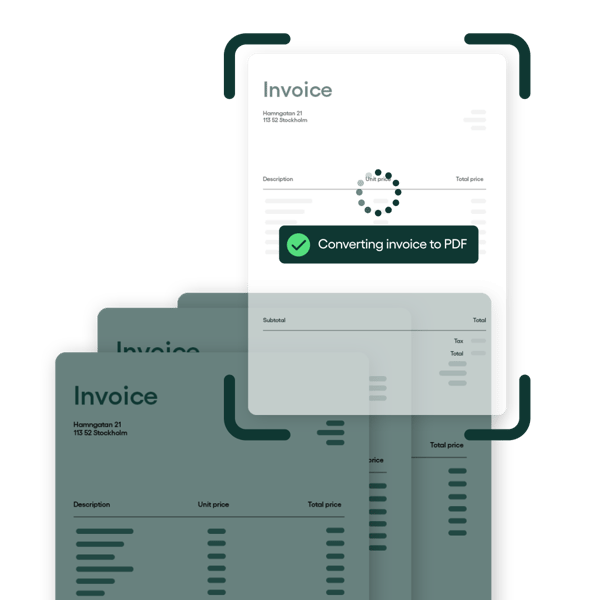
Speed up your invoice processing with secure e-invoicing. If any of your vendors don’t support e-invoices, Rillion converts PDF or paper invoices into a structured electronic format.
1_1_Invoice capture_converting_6_1080x1080
Header and line-level capture

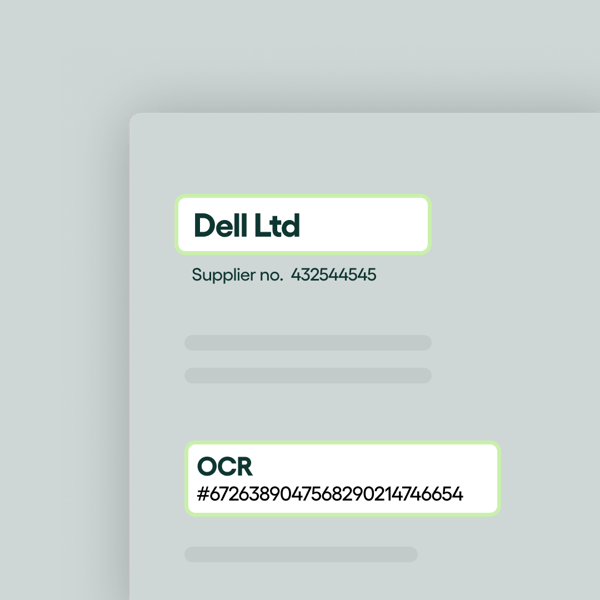
Rillion processes data at both the header and line level, ensuring every item and total is recorded accurately. This precision makes reporting and reconciliation faster and more reliable.
1_1_Invoice capture_Featured_3_1080x1080
Smart, intuitive capture

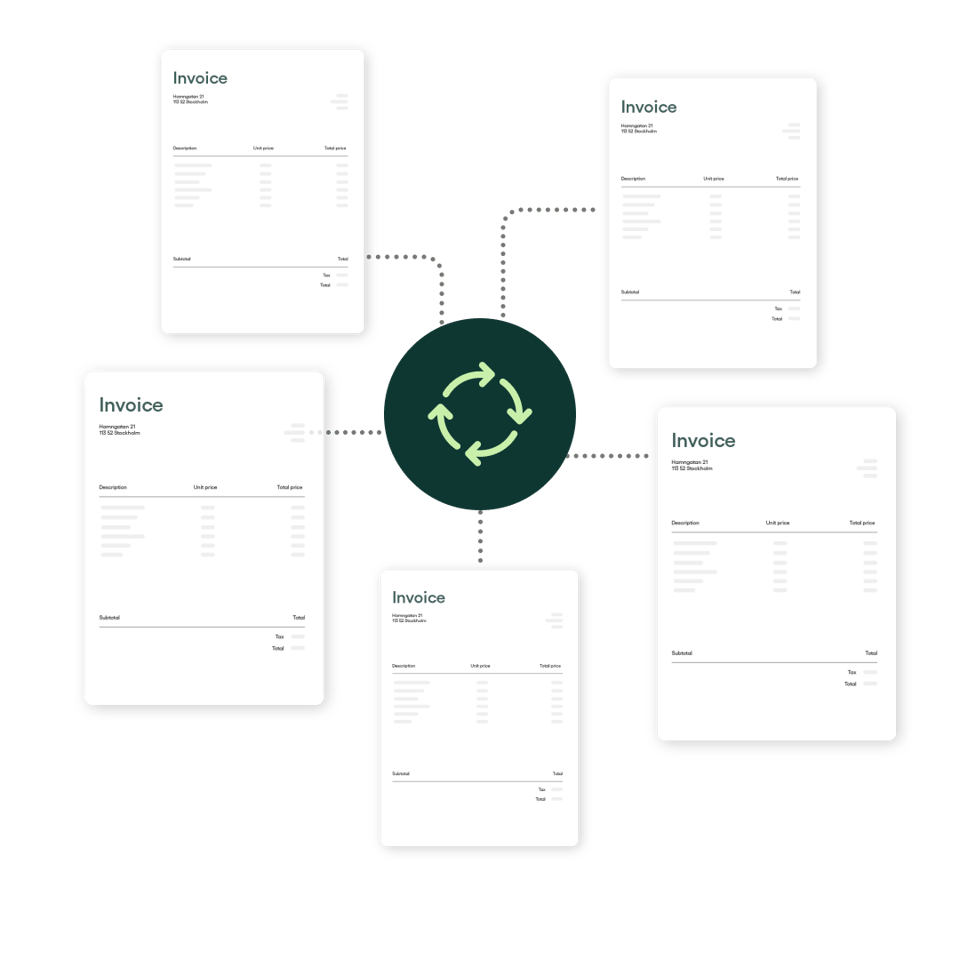
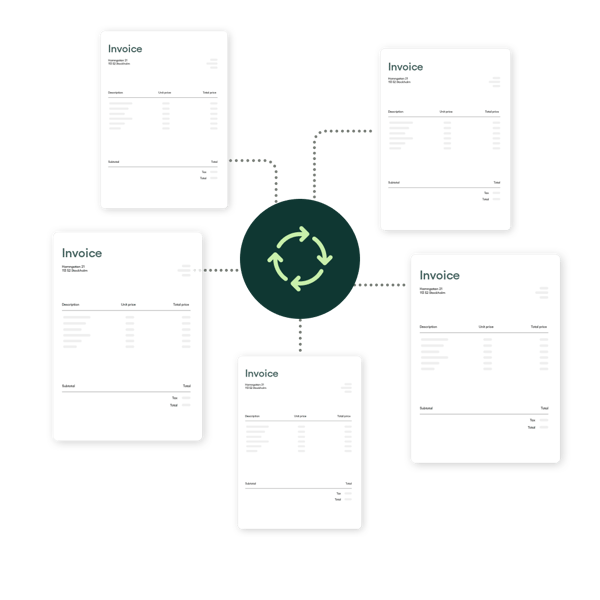
Rillion’s AI invoice data capture automatically recognizes and adapts to unique supplier invoice layouts, learning as it goes for smarter processing.
1_1_Invoice capture_process2_1080x1080
1_1_Invoice capture_Featured_2_1080x1080
1_1_Invoice capture_converting_6_1080x1080
1_1_Invoice capture_Featured_3_1080x1080
1_1_Invoice capture_process2_1080x1080

Why finance teams choose Rillion for AI-powered invoice data capture

Rillion scans and extracts invoice data with precision, helping your team process invoices faster, reduce errors, and stay fully in control of the AP process.

High-accuracy data capture

Rillion’s invoice scanning software uses advanced AI and OCR to read and extract details from paper, PDF, or e-invoices. It captures both header and line-level data with ~97% accuracy, so your team doesn’t have to manually type in data.

Intelligent, self-learning AI coding

Rillion’s AI learns from your historical invoice data and automatically suggests the right coding for accounts, projects, and departments. It gets smarter over time, which means your team doesn’t have to spend hours on manual reviews.

Enhanced security and compliance

Rillion protects your financial data with automated controls, role-based permissions, and time-stamped audit trails. These features reduce fraud risk, simplify audits, and ensure compliance with internal and external policies.

Seamless end-to-end processing

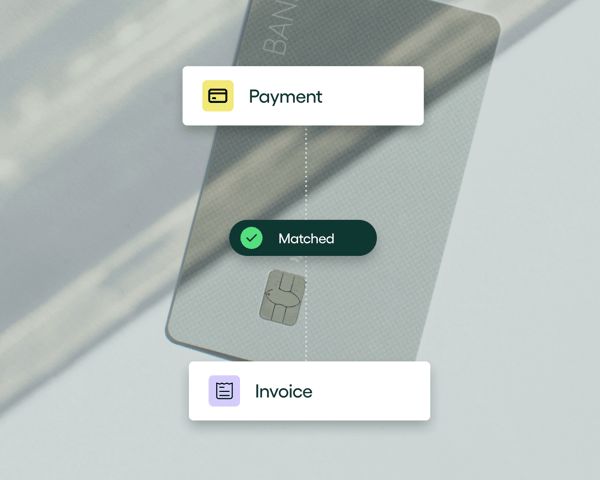
Rillion’s invoice capture software is just one part of a full accounts payable automation suite. After scanning invoice data, Rillion also handles PO matching, routing, vendor payments, and reconciliation — all in one connected workflow.

Scalability to handle complex needs

Rillion grows with your business. Whether you’re managing one entity or several, our platform can easily handle large invoice volumes, and multiple locations, currencies, and ERPs.

People who feel like part of your team

When you work with Rillion, you get more than software — you get a partner. Our responsive, experienced team understands AP challenges and will jump on calls with you to rectify any issues and answer any questions you have.

How it works

Inside Rillion’s automatic invoice capture process

Here’s how Rillion scans and captures every invoice with precision, making data instantly available for faster approvals and payments.

Automatic invoice intake and classification

Rillion collects invoices from every source, including email attachments, scanned paper documents, or direct electronic invoices like XML and EDI. It digitizes each file automatically, so no invoice slips through the cracks.

AI-powered data extraction

Rillion then uses a combination of AI and Optical Character Recognition (OCR) to read and extract every important detail from each invoice, including vendor name, invoice number, date and due date, line item descriptions, individual amounts, and total amount.

Intelligent AI coding

Rillion’s AI learns from your past invoices to suggest the right general ledger (GL) accounts, departments, and projects automatically. This consistency removes manual work, saves time, and keeps coding accurate across the board.

ERP integrations

Connect your ERP to Rillion’s invoice scanning software

Seamlessly sync invoice data with your ERP. Whether you use one or more ERPs, Rillion’s accounts payable automation integration connects with ease.
sage-logo
dynamics365
Oracle NetSuite_colour_152x36
SAP_Business_Online _152x36

Rillion’s invoice capture software in numbers

30+

years of experience in AP automation

40M+

invoices processed in Rillion every year

95%

of our customers rate our support as very good or good

cta-gradient

Ready for the next step?

Streamline your AP workflow with Rillion’s automated invoice capture

With automatic invoice capture, Rillion helps finance teams process invoices faster, reduce manual entry, and keep accounts payable running smoothly.

Testimonials

What our customers say

“I had thought at that time we could expand our AP process improvement into the other areas of the company but what I didn’t expect was how soon our CFO took advantage of the technology that Rillion had to offer.”

Accounting Manager, USFarathane

"[With Rillion,] we processed 20 invoices in 15 minutes — a task that previously took 2 hours. It’s a huge time efficiency gain."

Eric Dills, Controller, Robinson Lumber

"I like that with Rillion you see a pie chart of the expenses. So each month I can see that at a quick glance... which is nice, you know each day when I go through entering/posting the invoices I kind of look at that to see where we’re at."

Nikki Milian, Accounting Manager, Smiles First

"Rillion Prime allows us to decide for ourselves the best and most efficient way to process invoices. It was important to find a great, modern solution, and a provider that offers services in Finnish."

Petri Hangasluoma, CFO, Minimani

"From a finance perspective, the benefit is that invoice processing is now much smoother. Rillion Prime offers various features that enable further development and streamlining of operations. One significant aspect regarding smoothness, and efficiency of invoice processing, has been the ability to organize work roles in the best possible way to simplify the workflow."

Teija Hautamäki, Chief Accountant, Minimani

FAQs

Got questions?

How can I benefit from Rillion’s AI-powered invoice scanning software?

Rillion’s invoice scanning software saves you valuable time and reduces human error by eliminating the need for  manual data entry. Our platform captures invoice data with  >90% accuracy rates on average for all formats. Plus, our fully automated service means no additional costs for OCR services, making your processes more efficient and cost-effective.

What invoice formats does Rillion’s invoice capture software support?

Rillion is designed to handle various invoice formats, including paper, PDF, EDI, XML, CSV, HTML, TIFF, JPG, PNG, DOC, and XLSX.

Does Rillion have line-level capture?

Yes, Rillion captures data at both header and line levels for detailed, precise invoice processing. This level of granularity ensures that nothing gets overlooked, giving you complete visibility and control over your financial data.

What’s the difference between OCR invoice capture and e-invoicing?

OCR invoice capture converts scanned paper invoices or digital images into machine-readable text, eliminating manual data entry and errors.

E-invoicing involves the electronic exchange of invoices in a standardized digital format, automating and streamlining the invoicing process without needing OCR.

What is the best invoice capture software available?

The best invoice capture software uses AI to automatically extract data from invoices. So no manual typing is required. Rillion’s intelligent capture system reads PDFs, emails, and scanned documents with industry-leading accuracy and syncs data directly to your ERP for a seamless workflow. Of course, we’re biased so we invite you to see for yourself