Save hours every week with automated vendor invoice management

What is vendor invoice management?
Vendor invoice management is the process of receiving, tracking, approving, and paying invoices from suppliers, contractors, and service providers.
Traditionally, this meant sorting through paper invoices, retyping data into spreadsheets or an ERP, and chasing approvals via email. All in all, it was a slow, error-prone, and difficult-to-scale workflow.
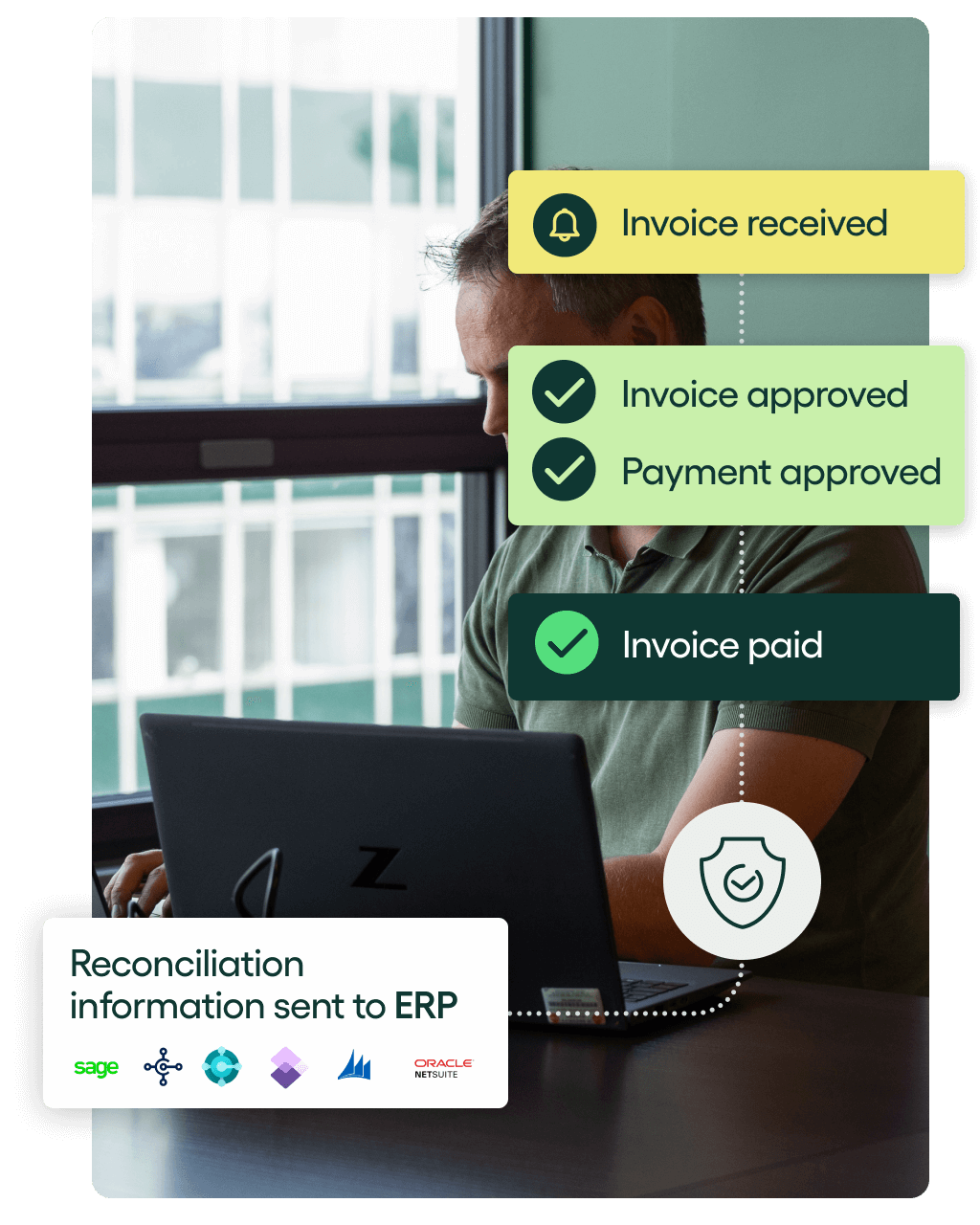
With modern vendor invoice management software like Rillion, every step can be automated:
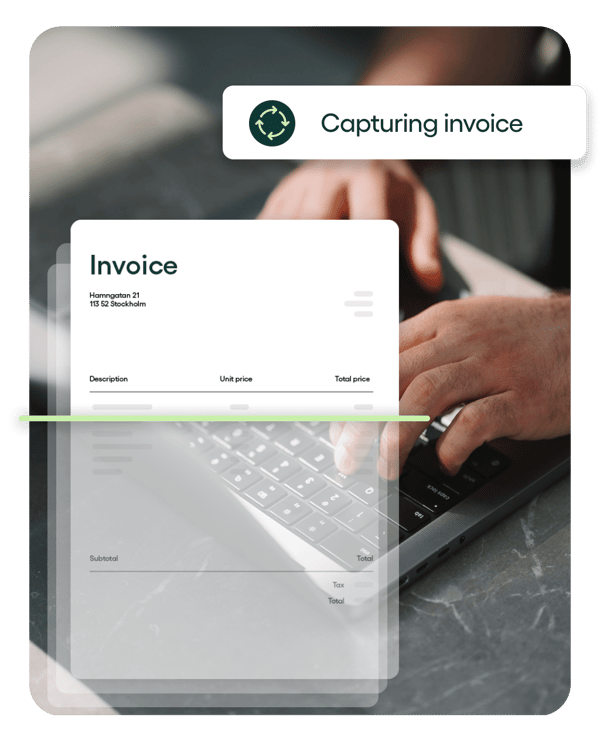
- Invoices are captured digitally using AI and OCR technology.
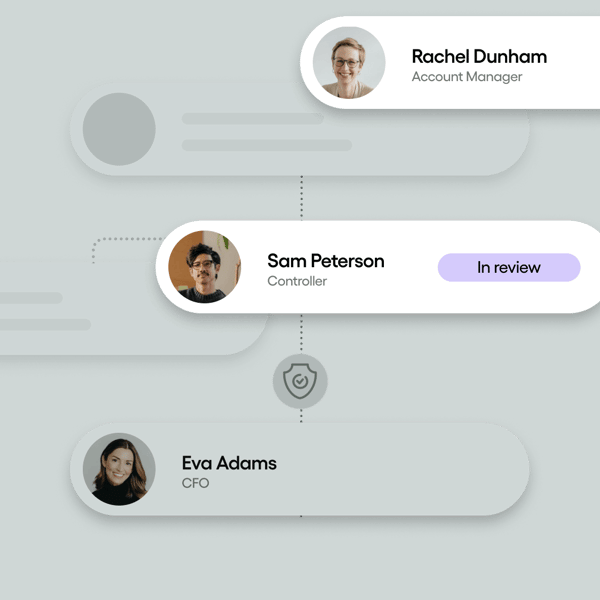
- They are routed to the right approvers who can sign off on them in a single click.
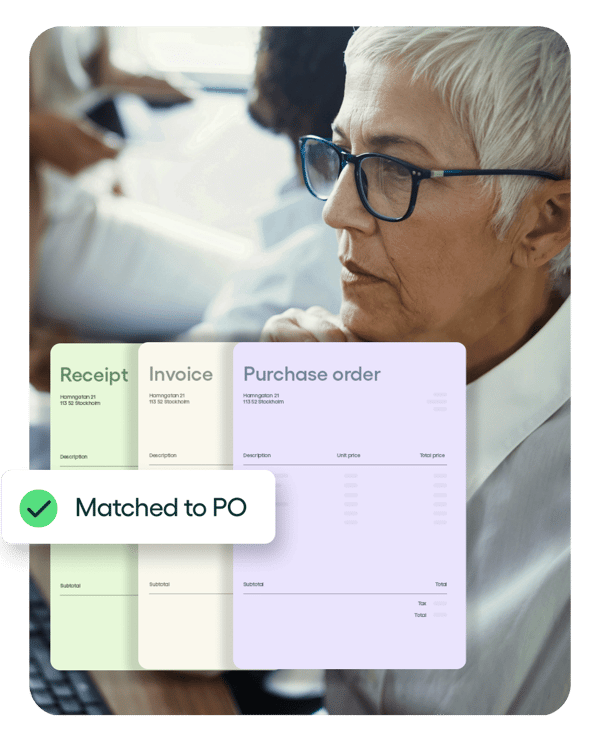
- Invoices are matched automatically to purchase orders and receipts.
- Approved invoices are scheduled for payment.
This saves time, reduces errors, strengthens compliance, and gives finance leaders real-time visibility into spending.
By automating vendor invoice management end-to-end, you take it from a tedious, time-consuming task to one that’s simple, fast and — dare we say — fun.
The hidden costs of manual vendor invoice management
Manual invoice management may get the job done, but it drains time, slows decisions, and exposes your business to risks that grow with every invoice.
Approvals that drag on
The risk of invoice fraud
Features finance loves
Simple, flexible, foolproof vendor and supplier invoice management
Invoice capture
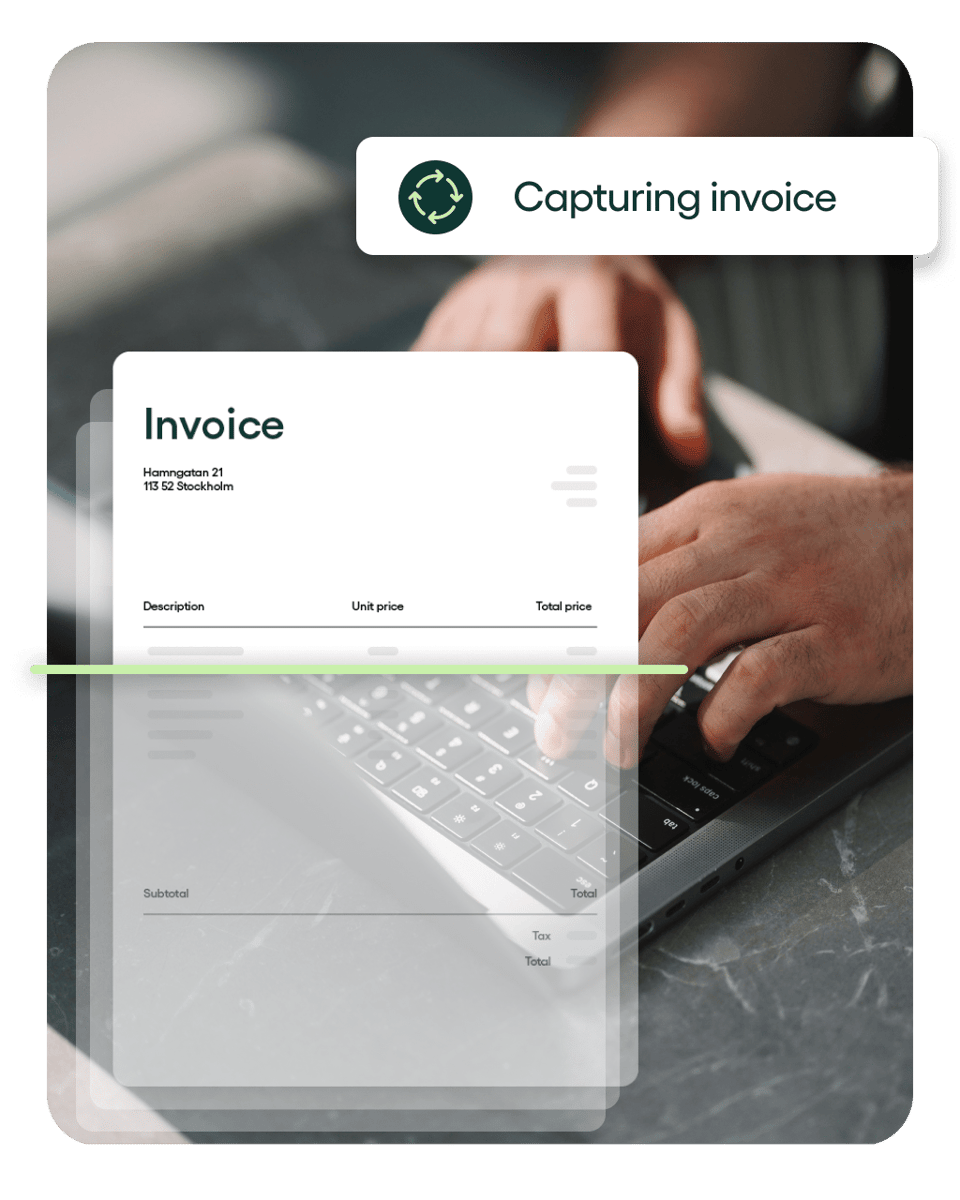
Rillion uses AI and OCR to extract vendor, date, item, and amount details directly from paper or digital invoices. Accurate data flows in automatically, which eliminates manual entry and reduces errors.

Invoice approval workflow
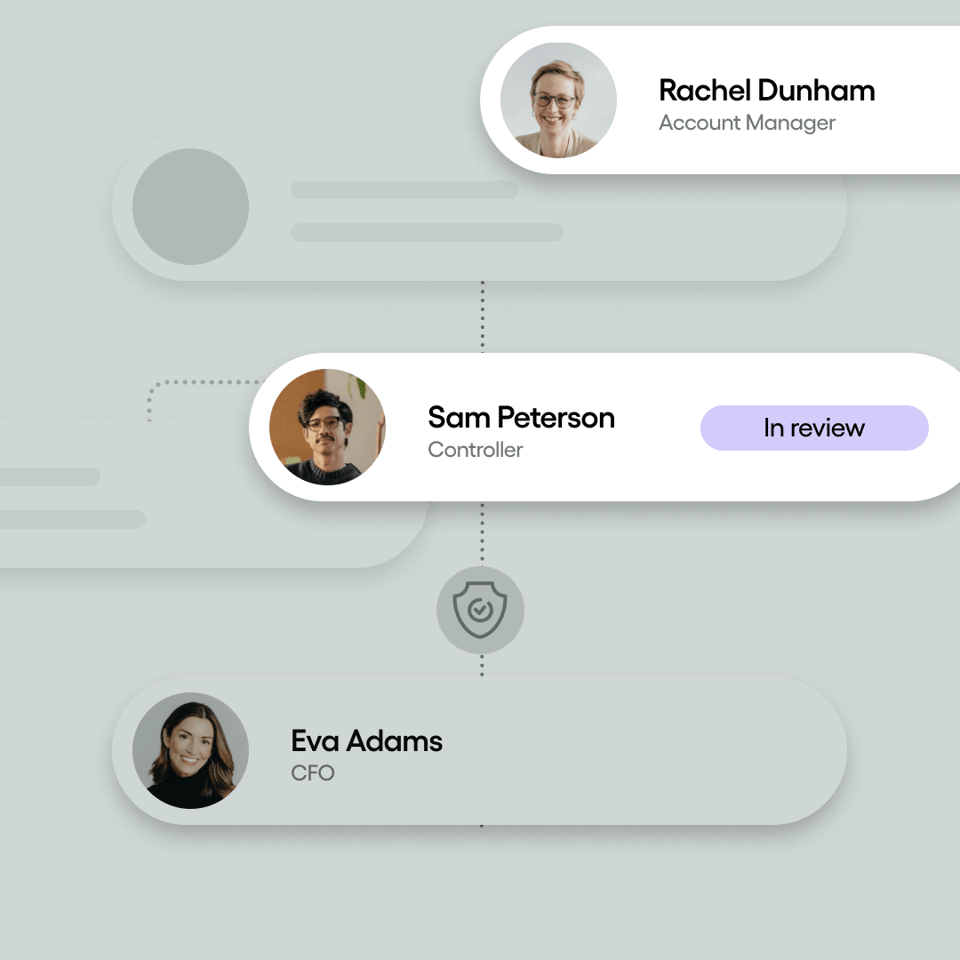
Rillion routes invoices automatically to the right person using AI or based on rules you set, like amount, location, or vendor. Approvers can review and sign off from any device with a single click, and reminders ensure invoices are processed promptly.

PO matching
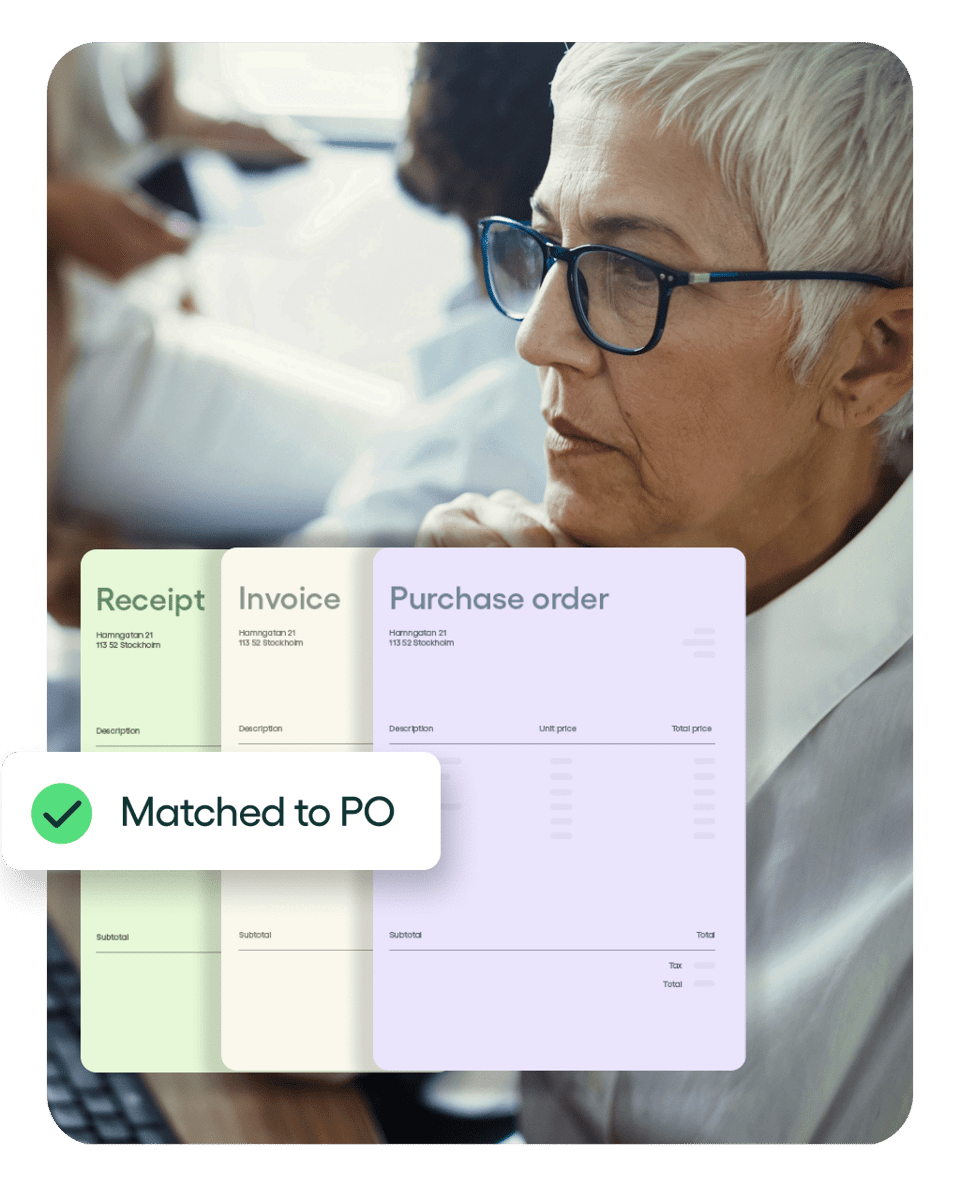
Rillion connects invoices, purchase orders, and receipts with 2- or 3-way matching. Even multi-page POs with hundreds of lines are matched automatically, while discrepancies are flagged for quick review.

Payment as a service
Choose how you want to settle invoices, and Rillion takes care of the execution. Rillion supports virtual cards, ACH, eChecks, and wire transfers, so vendors are paid securely in the method they prefer.

Payment fraud prevention
Built-in controls help you catch suspicious activity before payments are sent. From verification checks to recovery safeguards, Rillion adds a strong layer of protection against fraudulent or misdirected transactions.

Multi-entity management
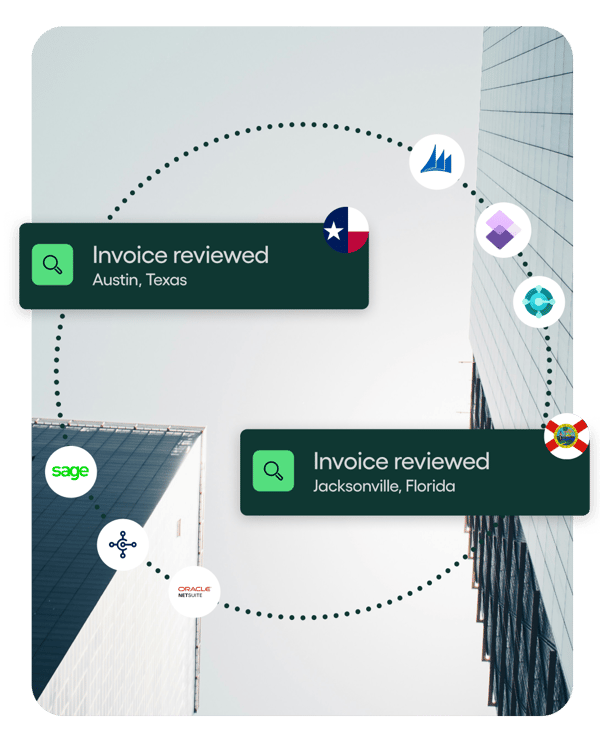
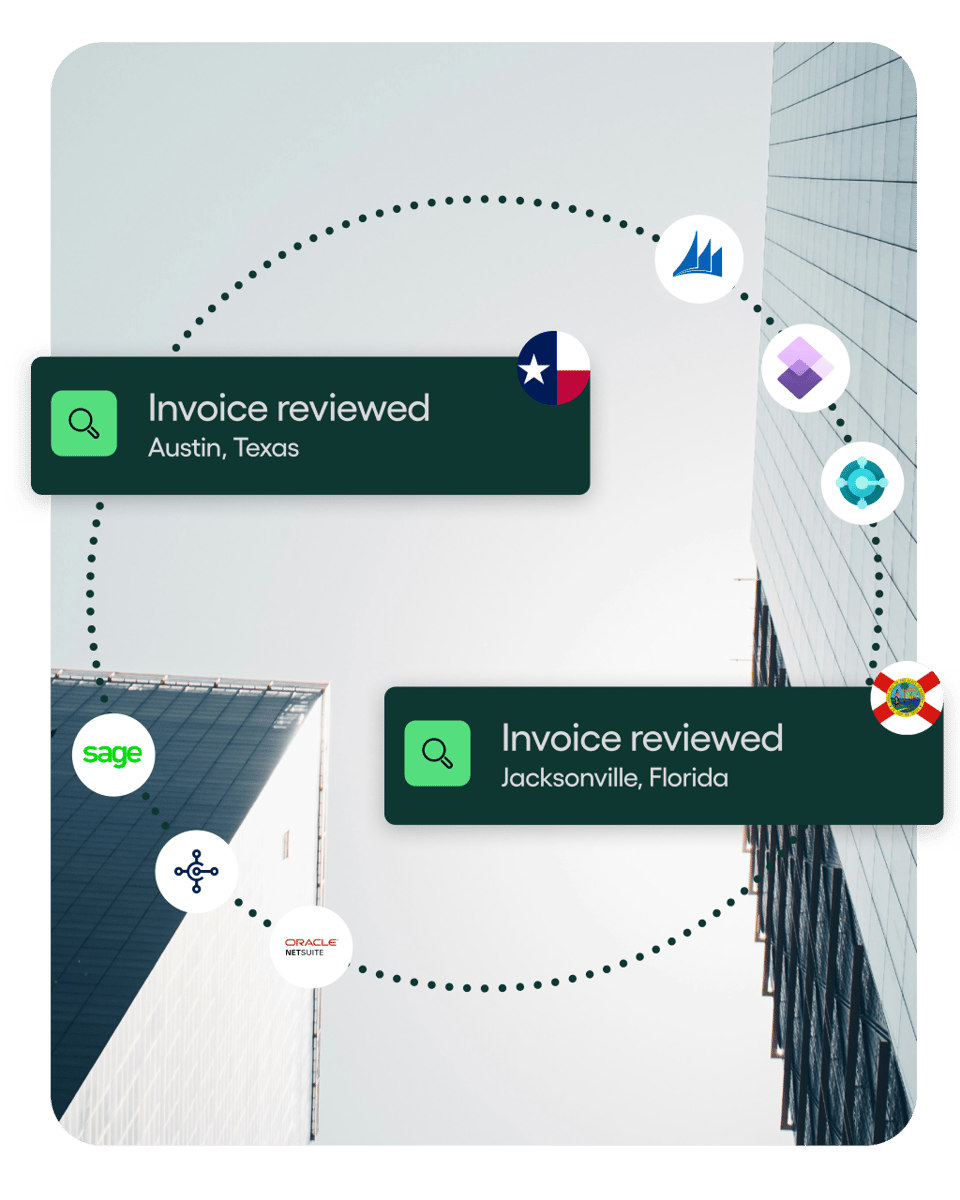
Rillion makes it easy to manage AP across multiple companies or locations from a single screen. You can create custom approval workflows, match invoices to POs, and track payments in real-time, while still keeping each entity’s financials organized and compliant.


How Rillion’s vendor invoice management process works
Capture
Incoming invoices are auto-interpreted, and their data fields are captured. The data is intuitively extracted using OCR and AI digital capture technologies, regardless of whether the format is regular paper or PDF, XML, Word, or any other digital format.
The technology recognizes each invoice by vendor and collects all the essential information — vendor data, reference, items, and amount. The system suggests an approval workflow based on supplier reference and predetermined rules.
Approve
Artificial intelligence and pre-set rules automatically route and code invoices for approval to the designated approver or exception handler. The approvers have full visibility into the payment and approval status of the invoices and can approve online on every device, whenever they want. They are also sent automatic reminders and notifications to ensure the invoices are approved in time.
If everything is in order, the invoice is sent to your ERP/accounting system for final booking and payment. Exceptions are routed to the appropriate person by the system, according to predefined rules.
You can easily make notes and communicate with approvers or administrators about the invoice within the platform. Once the exception has been resolved, invoice data is transferred to the ERP/accounting system for recording and payment.
Match
The information in the invoice is automatically cross-referenced with its corresponding purchase order (PO), delivered goods receipt, and/or contract to ensure all pertinent details, such as quoted order amount and number of items ordered, match. It reduces the risk of fraudulent invoices going undetected and possibly being paid.
If the invoice has a PO and it matches the invoice, the invoice is sent to the ERP or accounting system for recording and payment, meaning you get a zero-touch process.
If one or more details fail to match, the system determines a proper workflow for reviewing the invoice.
This means you will only be spending time on deviations.
Pay
Approved invoices are automatically transferred to your ERP/accounting system for recording and payment.
Once the payment is effective, payment data is transferred back to Rillion where all documentation about the transaction is archived.
You can also choose to manage the payment with Rillion, using Rillion Pay.
Why finance teams choose Rillion to automate vendor invoice management
Say goodbye to manual vendor invoice management. With Rillion, AP teams get smarter invoice capture, faster approvals, stronger security, and seamless ERP integration — all in one platform.
No more manual data entry
Automated invoice matching
Approvals that move faster
Visibility you can act on
Works hand in hand with your ERP
Security you can trust
Testimonials
What our customers say
“I had thought at that time we could expand our AP process improvement into the other areas of the company but what I didn’t expect was how soon our CFO took advantage of the technology that Rillion had to offer.”
"[With Rillion,] we processed 20 invoices in 15 minutes — a task that previously took 2 hours. It’s a huge time efficiency gain."
"I like that with Rillion you see a pie chart of the expenses. So each month I can see that at a quick glance... which is nice, you know each day when I go through entering/posting the invoices I kind of look at that to see where we’re at."
"Rillion Prime allows us to decide for ourselves the best and most efficient way to process invoices. It was important to find a great, modern solution, and a provider that offers services in Finnish."
"From a finance perspective, the benefit is that invoice processing is now much smoother. Rillion Prime offers various features that enable further development and streamlining of operations. One significant aspect regarding smoothness, and efficiency of invoice processing, has been the ability to organize work roles in the best possible way to simplify the workflow."
Integrations
Built to work with your ERP
Rillion integrates with over 50 leading ERP systems, keeping invoices, approvals, and payments in sync for accurate, real-time financial visibility.

Microsoft Dynamics 365 Finance
Streamline and automate invoice processing with Rillion’s seamless integration for Microsoft Dynamics 365 Finance

Microsoft Dynamics 365 Business Central
Effortlessly sync invoice data and automate AP workflows with Rillion’s integration for Microsoft Dynamics 365 Business Central.

Oracle NetSuite
Automate your accounts payable workflows with Rillion’s integration to Oracle NetSuite.

Sage X3
Simplify invoice management by connecting Rillion’s AP automation to Sage X3.

Sage Intacct
Streamline your AP processes with Rillion’s seamless integration to Sage Intacct.

SAP Business One
Enhance your AP efficiency by connecting Rillion’s automation to SAP Business One.

Microsoft Dynamics AX
Simplify your accounts payable operations by integrating Rillion’s automation with Microsoft Dynamics AX for faster, more efficient workflows.

Microsoft Dynamics GP
Enhance invoice management and approvals by extending Microsoft Dynamics GP with Rillion’s AP automation.

Ready for the next step?
Automate and accelerate vendor invoice management
Your questions answered
Vendor invoice management FAQs
Why should businesses automate vendor invoice management?
Manual AP slows everything, from data entry to payments, and increases costs and errors. Automating with Rillion speeds up processing, improves accuracy, and gives finance leaders real-time visibility and control over spend.
How does Rillion’s AI and OCR improve vendor invoice management?
Rillion’s AI-powered OCR extracts vendor, date, and line-level details directly from invoices, learning and improving over time. This eliminates manual typing, reduces errors, and accelerates invoice coding and approval.
Can Rillion integrate with my existing ERP system?
Yes. Rillion integrates seamlessly with ERPs like Microsoft Dynamics 365, NetSuite, Sage X3, and SAP Business One. Invoice data and payment updates sync both ways, which eliminates duplicate entry and keeps records accurate.
Does Rillion support multiple entities or locations?
Absolutely. Rillion routes and codes invoices across multiple companies, departments, or sites automatically. A central dashboard gives finance leaders consolidated visibility to manage approvals and track spend organization-wide.
Can we pay vendors through Rillion as well as manage supplier invoices?
Yes. Rillion supports payments via ACH, wires, virtual cards, or checks, so you can pay vendors with their preferred method.
Vendors also receive automatic remittance details so they know which invoice has been paid.
Is Rillion secure and audit-ready?
Yes. Rillion is SOC 1 and SOC 2 compliant and adheres to regulations like GDPR, CCPA, and HIPAA. Our platform includes role-based permissions and secure digital payments to protect sensitive financial data. Every invoice, approval, and payment is tracked in a searchable audit trail, making audits and compliance checks far simpler.