Integrations

AP automation for Workday

Keep Workday Financial Management as your system of record. Rillion takes invoices from capture to approval and sends clean, approved data back to Workday, so AP moves faster without changing how finance runs.


Rillion is trusted by finance leaders at 30,000+ mid-sized and large organizations

about_value_Logo_152x36
Cypress_Creek_Logo__152x36
TACLA_Logo__152x36
renta_Logo_152x36
USFarathane_Logo__152x36
SMILES_FIRST_Logo_152x36
HARTELA_Logo__152x36
Curio_152x36
USFarathane_Logo_500x250
Fb_solution_152x36
Tingue_152x36
Paulas_choice_152x36
Patrick_lumb_152x36
Together_Womens_Health_152x36

Everything AP automation should be

Workday Financial Management handles supplier invoices, matching, and approvals through its business processes. Rillion adds AI invoice capture and coding, flexible approval workflows, and payment automation, so AP runs faster while Workday stays clean and accurate.

Far less manual invoice work

Invoices no longer need keying, coding, and chasing by hand before they reach Workday. Your AP team spends its time on the invoices that need a decision.

Clean data in Workday, every time

Invoices arrive in Workday captured, coded, and approved. That means fewer corrections, fewer reversals, and reporting you can trust.

Approval rules that change with your business

Reorganizations, new entities, and new approvers are easy to handle. Your AP team can update approval rules in Rillion without starting a new Workday configuration project.

Approvals that keep moving

Invoices reach the right person straight away, and reminders keep them from sitting in a queue. Suppliers get paid on time, and month-end stays on schedule.

Audit-ready without the scramble

Every invoice, decision, and approval is recorded and searchable. When auditors ask questions, the answers take minutes to find.

Bring everyone in at no extra cost

Rillion doesn't charge per user, so every approver across every department and entity can take part without adding license costs.

Rillion AP automation

AP automation for Workday that keeps your books clean

AI-native invoice capture

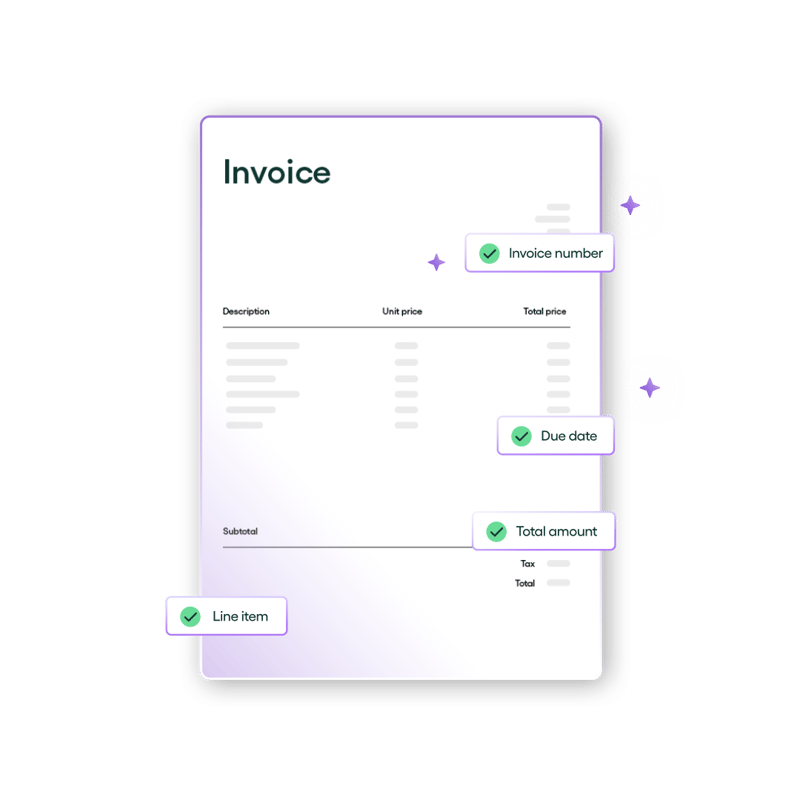
Invoices arrive by email, PDF, or paper. Rillion's AI extracts the supplier, PO reference, line items, amounts, and tax automatically, with around 95% accuracy from day one.
Capture_ Advanced AI capture _1080x1080

Automated coding with Rillion AI

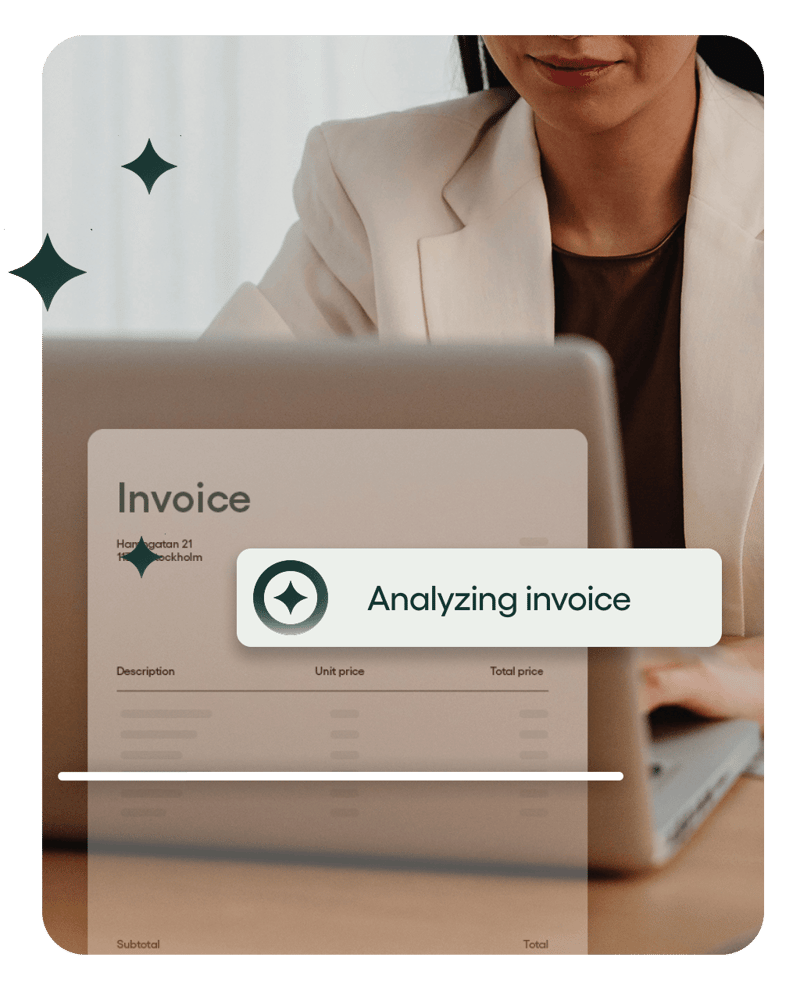
Rillion AI learns from your historical invoices and suggests the right accounts and worktags for each one. It gets more accurate with every invoice your team approves.
4_5_AI_Coding

Two- and three-way PO matching

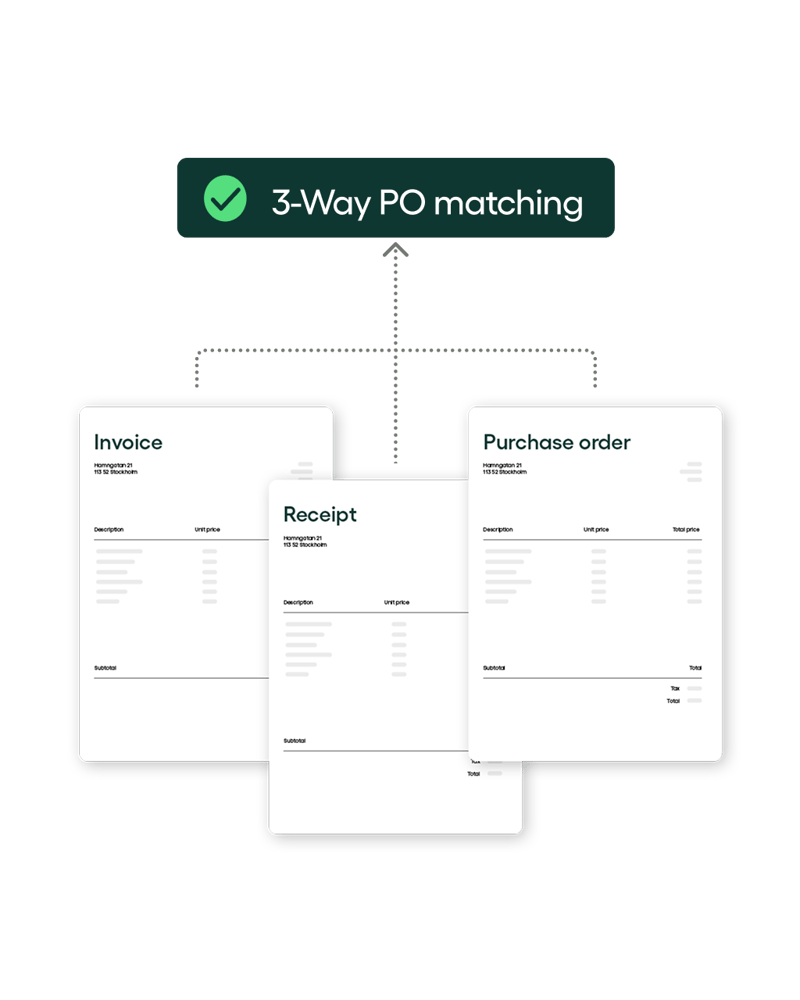
Rillion matches invoices against Workday purchase orders and receipts, including POs with hundreds of lines. Price and quantity differences are flagged and sent to the right person before anything reaches Workday.
4_5_3_way_PO_Rillion

Flexible approval workflows

Invoices are routed by company, cost center, amount, or your own rules. Approvers get automatic reminders and can sign off on desktop or mobile.

1_1_Custom aproval workflows_2_Featured_2_1080x1080

Posting and sync with Workday

Approved header and line data post to Workday Financial Management with your companies, suppliers, accounts, and worktags intact. Master data stays in sync, so both systems match.

4_5_Unlimited users included-min (1)

Payment automation with Rillion Pay

Pay suppliers by virtual card and earn a rebate on every payment. Rillion handles supplier onboarding, remittance, and reconciliation for you.
4_5_searchable_invoice-min

Searchable invoice archive

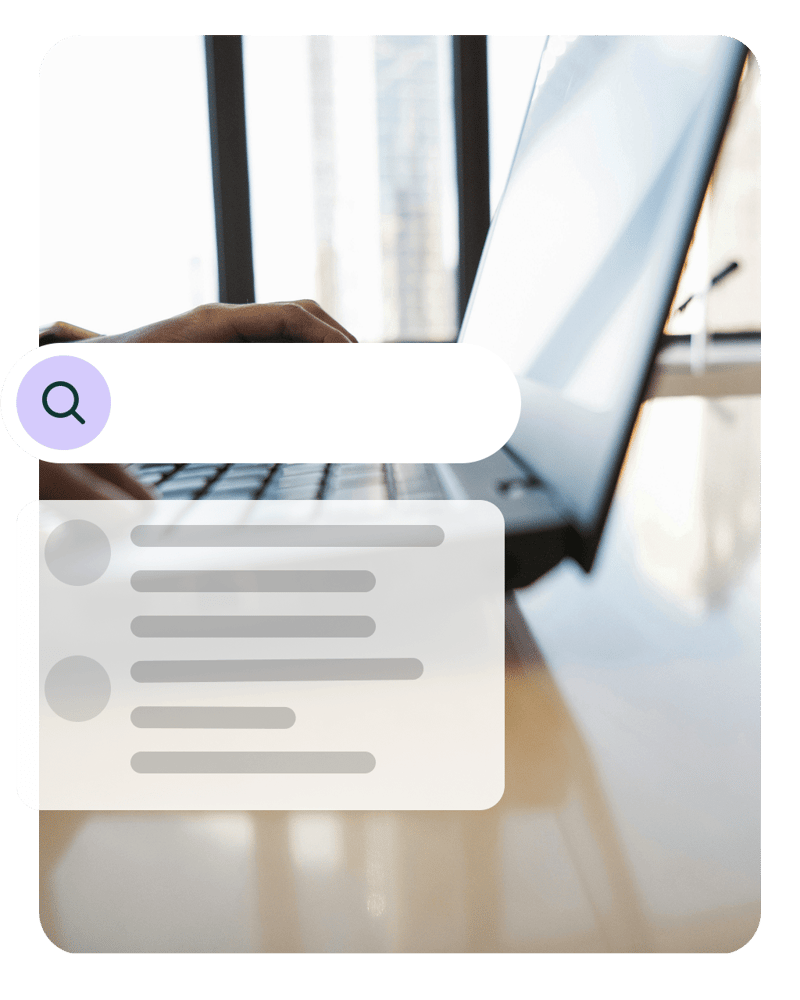
Every invoice, match, and approval is stored in one cloud archive. Find any invoice in seconds, with its full history attached.

4_5_searchable_invoice-min

How our Workday accounts payable automation integration works

Capture

Invoices arrive by email, PDF, XML, or paper, and Rillion reads each one with AI. It identifies the supplier against your Workday supplier records and extracts the invoice number, PO reference, line items, amounts, and tax. Nobody has to retype a thing.

Match

For PO invoices, Rillion’s matching engine checks each invoice against the corresponding Workday purchase order and receipt, even when they have hundreds of lines. It supports both two-way matching (invoice to PO) and three-way matching (invoice, PO, and receipt). Invoices with missing information or price and quantity differences go to the right person before anything posts, so only clean, matched data reaches Workday.

For cost (non-PO) invoices, Rillion AI predicts coding based on your historical invoice data. It proposes distributions to the correct account, project, and cost center, then learns from every final posting, so proposals get more accurate over time. Need fixed logic for certain suppliers or cost types? Add your own coding rules alongside the AI.

Approve

Invoices are routed to approvers or exception handlers based on your rules. Approvers can see invoice status and payment timing and can sign off on any device, with automatic reminders keeping invoices moving. Once approved, header and line data are sent to Workday Financial Management for posting, and any exceptions follow predefined paths so nothing gets stuck.

Approvers can see invoice status and payment timing, sign off on any device, and get automatic reminders that keep invoices moving. Exceptions follow predefined paths, so nothing gets stuck.

Post

Approved invoices can be paid through Workday's standard settlement process.

Alternatively, process payments directly in Rillion with Rillion Pay to automate vendor payments, eliminate paper checks, reduce costs, help prevent fraud, and gain better insight into payment status. In all cases, payment outcomes and remittance information are reflected back in Rillion for centralized archiving and future audits.

3 reasons Rillion is the right AP automation for Workday users

Clean postings that respect your Workday setup

Rillion captures, codes, and matches invoices before they reach Workday. Approved header and line data post with your companies, suppliers, accounts, and worktags intact, so there's no rekeying and no cleanup, and Workday stays accurate and ready for reporting.

AP and payments in one platform

Many Workday AP tools stop at invoice capture and approval. Rillion also handles payment, with virtual cards, rebates on every payment, and supplier onboarding done for you. Workday then becomes a source of savings for AP, not just a place to process invoices.

AP specialists who know complex setups

Rillion has focused on AP automation for over 30 years. We involve our technical leads early, adapt to how your organization works, and give you a dedicated Customer Success Manager after go-live, so your AP process keeps improving long after implementation.

Testimonials

What our customers say

“I had thought at that time we could expand our AP process improvement into the other areas of the company but what I didn’t expect was how soon our CFO took advantage of the technology that Rillion had to offer.”

Accounting Manager, USFarathane

"[With Rillion,] we processed 20 invoices in 15 minutes — a task that previously took 2 hours. It’s a huge time efficiency gain."

Eric Dills, Controller, Robinson Lumber

"I like that with Rillion you see a pie chart of the expenses. So each month I can see that at a quick glance... which is nice, you know each day when I go through entering/posting the invoices I kind of look at that to see where we’re at."

Nikki Milian, Accounting Manager, Smiles First

"Rillion Prime allows us to decide for ourselves the best and most efficient way to process invoices. It was important to find a great, modern solution, and a provider that offers services in Finnish."

Petri Hangasluoma, CFO, Minimani

"From a finance perspective, the benefit is that invoice processing is now much smoother. Rillion Prime offers various features that enable further development and streamlining of operations. One significant aspect regarding smoothness, and efficiency of invoice processing, has been the ability to organize work roles in the best possible way to simplify the workflow."

Teija Hautamäki, Chief Accountant, Minimani
Rillion_Gradient-CTA_lowres compressed

Ready for the next step?

Get set up with AP automation for Workday

Rillion works with Workday to take invoices from capture to payment, so your AP team spends less time on manual work and more on what moves finance forward.

Your questions answered

ServiceTitan AP automation FAQs

How does Rillion integrate with Workday?

Rillion captures, codes, matches, and routes invoices, then sends approved header and line data to Workday Financial Management for posting. Master data and payment outcomes stay in sync, so both systems match.

Workday already handles supplier invoices. Why add Rillion?

Workday is a strong system of record for AP. Rillion adds AP-specialist automation on top of it: AI coding that learns from your history, approval workflows your AP team can change without reconfiguring Workday, payment automation with virtual cards and rebates, and unlimited users.

Do we have to leave Workday to use Rillion?

No. Your team processes and approves invoices in Rillion, while Workday remains your system of record for posting, payment, and reporting.

Can Rillion handle multiple companies in Workday?

Yes. Rillion centralizes AP across all your Workday companies. Routing and coding can be set by company, cost center, or amount, so every invoice posts to the right company.

Does Rillion support Workday worktags?

Yes. Rillion suggests worktags during coding and posts them to Workday with each approved invoice, so your reporting dimensions stay intact.

Can we keep using Workday settlement, or switch to Rillion Pay?

Either works. Keep paying through Workday's settlement process, or use Rillion Pay for virtual card payments, rebates, and automated remittance and reconciliation.

Do approvers need extra licenses?

No extra Rillion licenses. Rillion doesn't charge per user, so every approver who needs access is included at no extra cost.

Is the integration secure?

Yes. Rillion uses role-based access, encryption, detailed approval trails, and a cloud architecture built for compliance. For specifics on audits and certifications, visit the Security page in the Trust Center.